Move online, work offline

Move online, work offline

Move online, work offline

The Drime desktop app puts your cloud in File Explorer and Finder. Create and edit even without a connection, and everything syncs back the moment you reconnect.

The Drime desktop app puts your cloud in File Explorer and Finder. Create and edit even without a connection, and everything syncs back the moment you reconnect.

Windows and macOS • Free with your account • Hosted in Europe
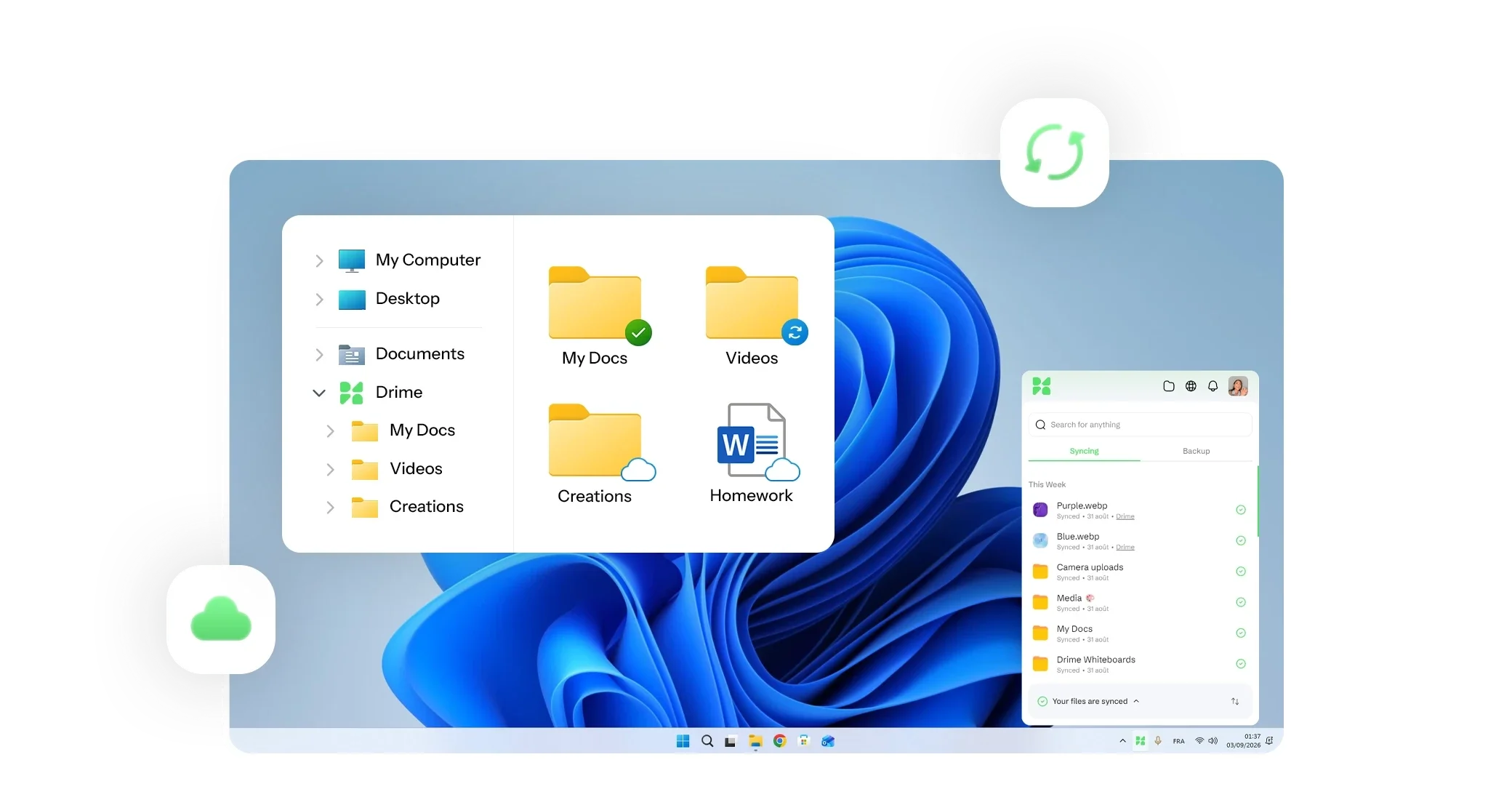
Drime Desktop on Windows: the Drime folder in File Explorer with sync status icons, and the app's list of synced files

Cloud storage as a regular folder

Browse, open and save your files from the file manager you already use, online-only files included.

Stay focused on the task

The sync tab shows what has just been synchronised, so you always know your documents are up to date.

Workspace synchronisation

Choose which workspaces sync to this machine, so professional and personal stay separate.
Cloud storage as a regular folder

Cloud storage as a regular folder

Cloud storage as a regular folder

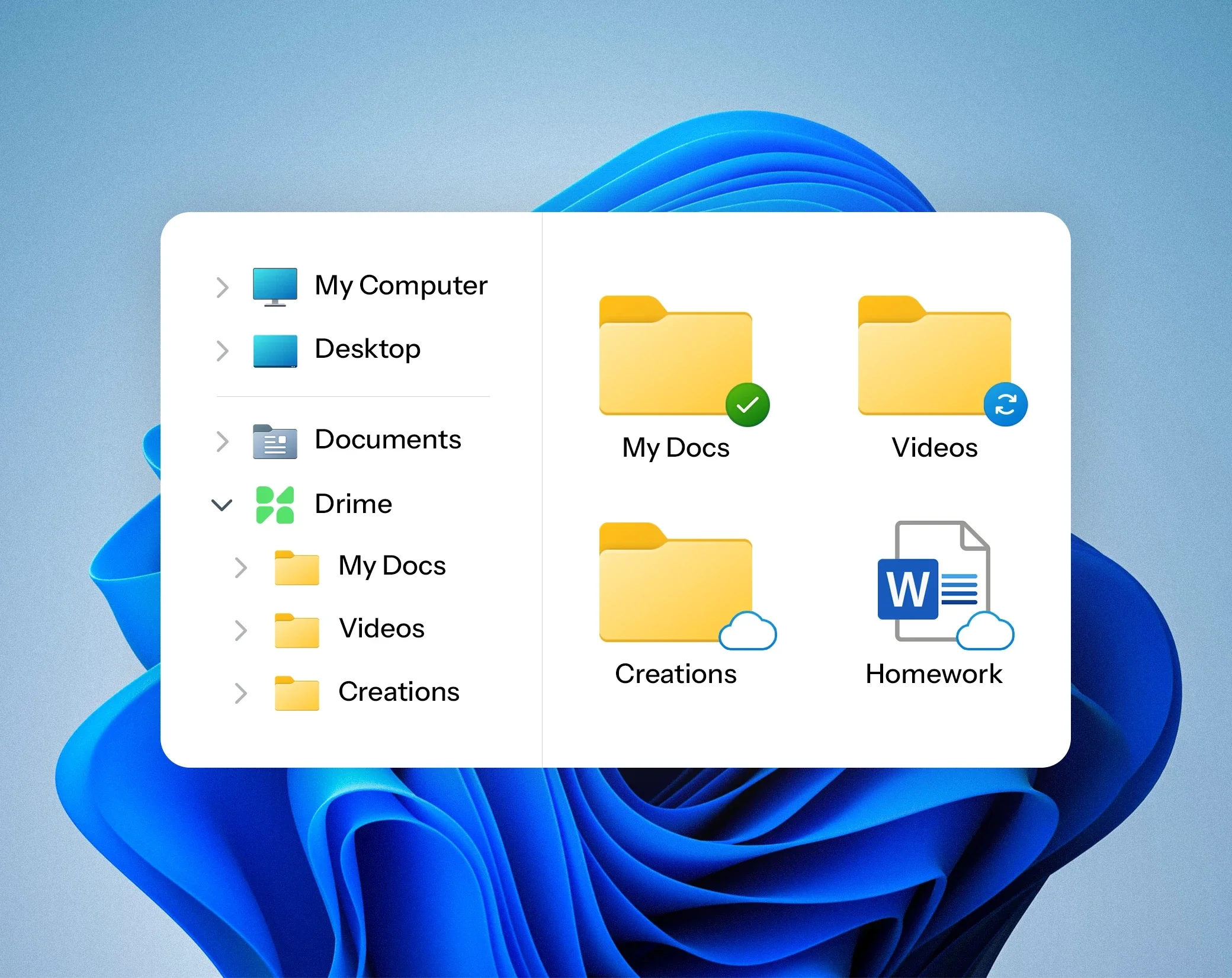
Use the search and the interface you already know in File Explorer or Finder to reach every file, including the ones stored only in the cloud. Open, edit and save without a browser.

Use the search and the interface you already know in File Explorer or Finder to reach every file, including the ones stored only in the cloud. Open, edit and save without a browser.

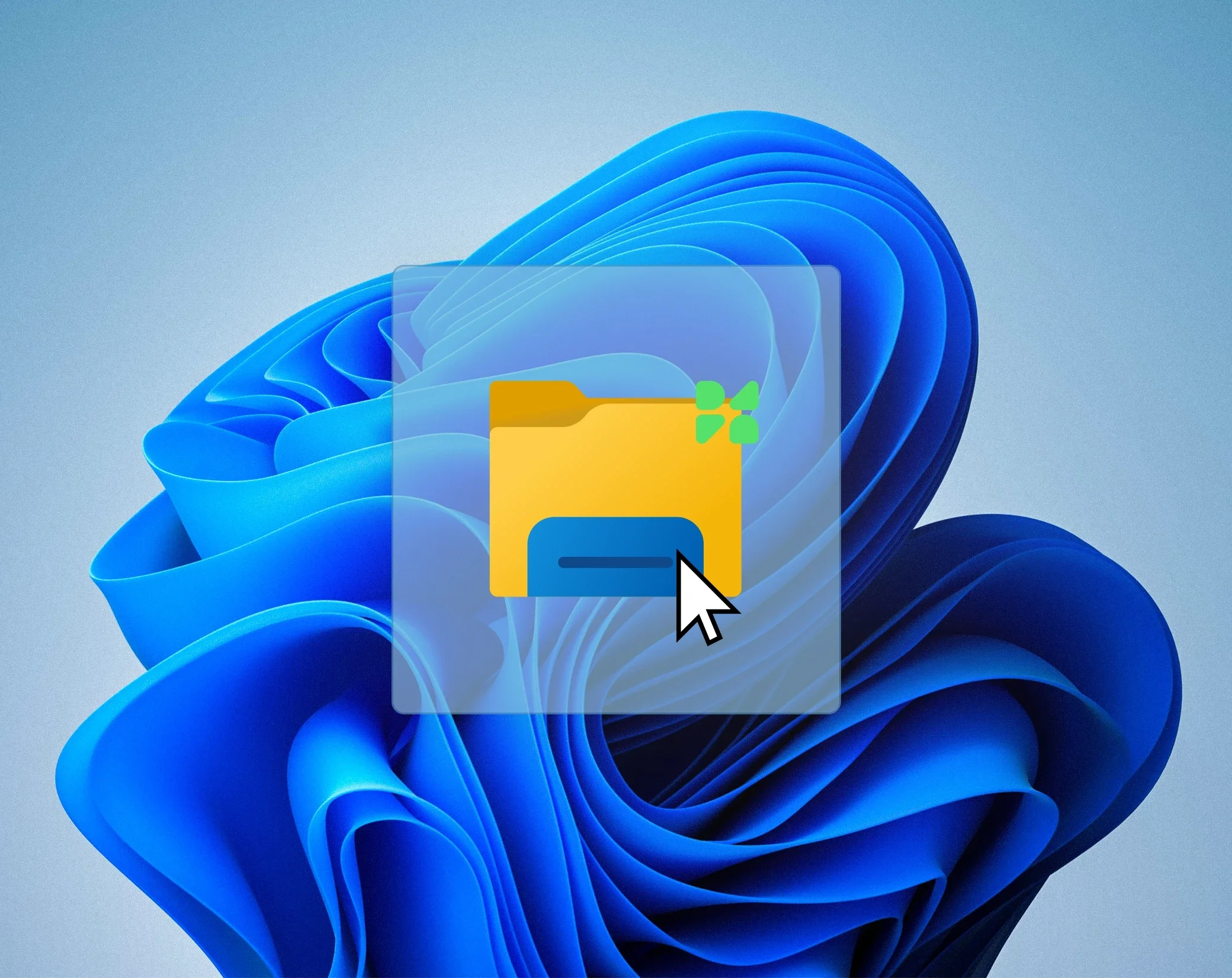
Drime folder icon with a mouse pointer on the Windows desktop

Work offline, sync later

Work offline, sync later

Work offline, sync later

Create and edit your content without a connection and keep working while travelling or during an outage. Your changes are transferred automatically as soon as the network is back.

Create and edit your content without a connection and keep working while travelling or during an outage. Your changes are transferred automatically as soon as the network is back.

Your files are always at hand

Your files are always at hand

Your files are always at hand

Choose how each file and folder is stored: kept on your computer and in Drime, or in the cloud only. You free up disk space without losing access.

Choose how each file and folder is stored: kept on your computer and in Drime, or in the cloud only. You free up disk space without losing access.

Drime folder in Windows File Explorer with files kept on the computer, syncing or online only
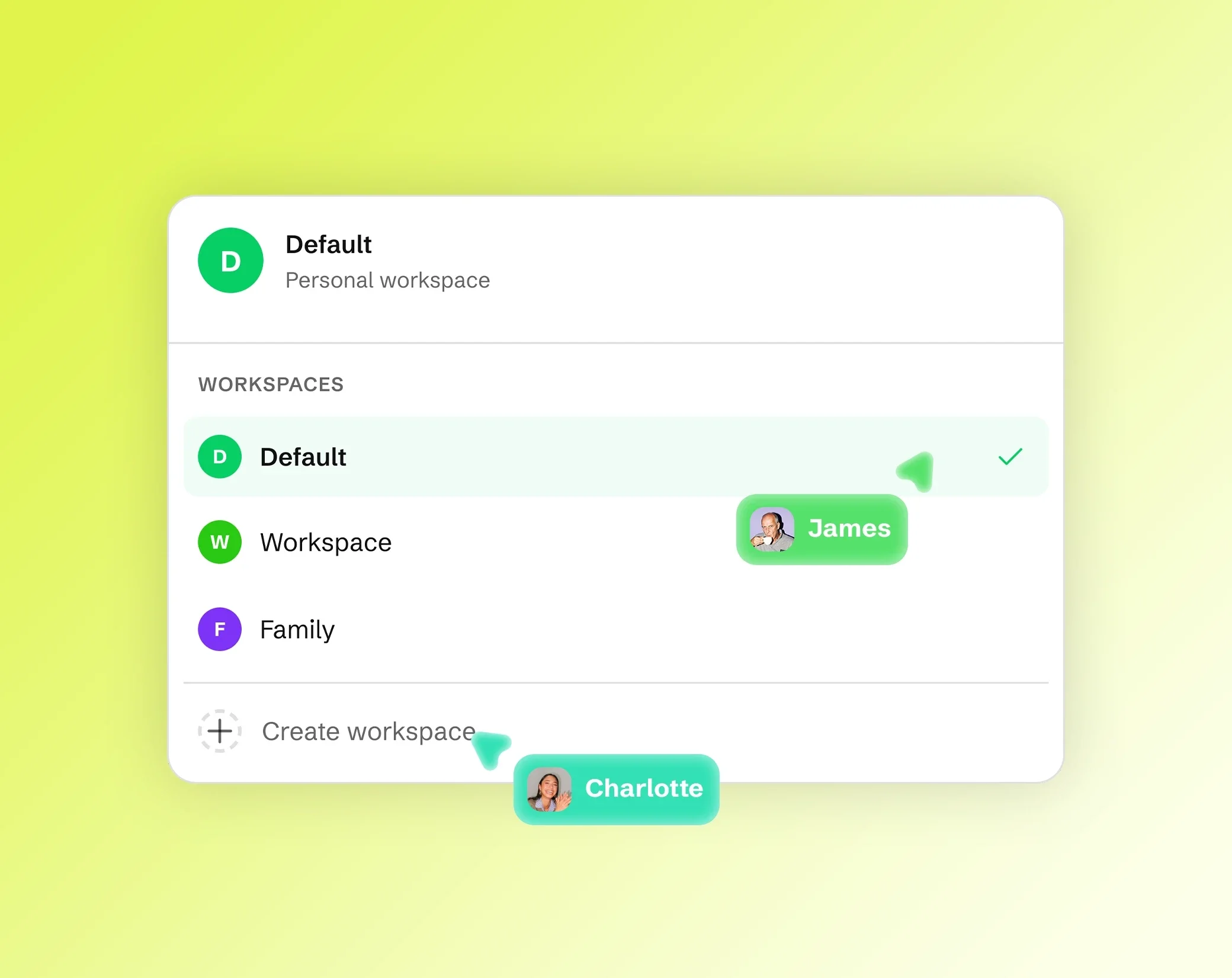
Drime workspace switcher listing Default, Workspace and Family, with Create workspace and teammates' cursors

Synchronise the right workspaces

Synchronise the right workspaces

Synchronise the right workspaces

Pick the workspaces to sync on each machine, so the work laptop carries the client folders and your own computer carries your own files.

Pick the workspaces to sync on each machine, so the work laptop carries the client folders and your own computer carries your own files.

One app, both systems

One app, both systems

One app, both systems

Windows and macOS, same features, same account, free with your plan. Install it on every machine you use and revoke a device in one click.

Windows and macOS, same features, same account, free with your plan. Install it on every machine you use and revoke a device in one click.

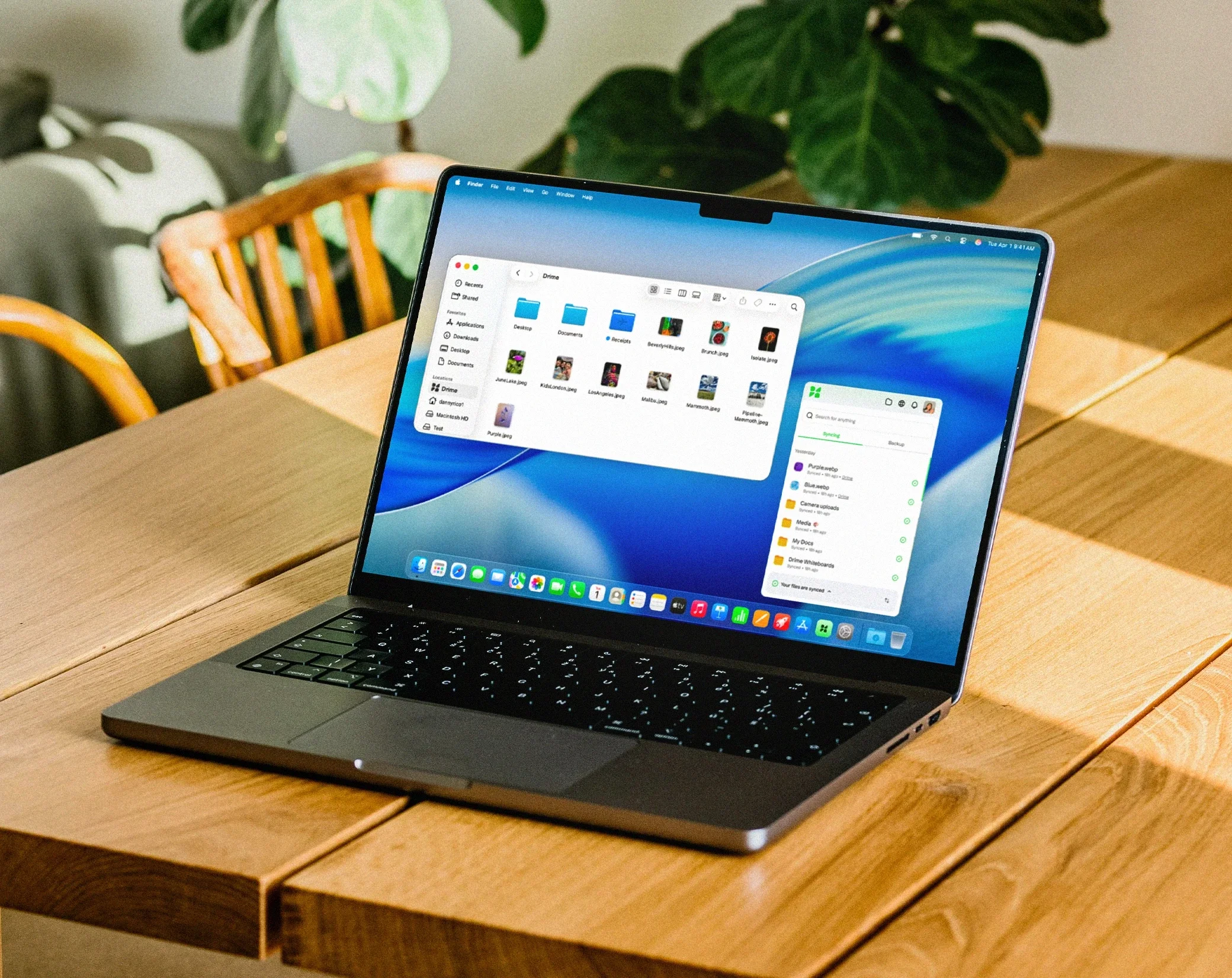
MacBook showing the Drime folder in the macOS Finder next to the Drime desktop app

How it works

How it works

How it works

01

Download the app

Windows or macOS, free with your Drime account.

02

Choose what syncs

Select the workspaces and folders for this machine.

03

Work as usual

Your cloud behaves like a local folder, online or offline.

Bring your cloud into your desktop

Bring your cloud into your desktop

Bring your cloud into your desktop

Install the app, pick your workspaces, and stop opening a browser to reach a file.

🇪🇺 Proudly European · Data hosted in the EU

Desktop app questions

Desktop app questions

We answered questions so you don’t have to ask them.

Windows and macOS. The installer is free with any Drime account.

Yes. Keep files available offline, keep editing, and Drime syncs your changes when you reconnect.

No. Choose per file and folder whether it stays on your computer or in the cloud only.

Yes. Each machine syncs the workspaces you select.

Yes, and you can revoke any device from device management.

Yes. Send secure links with passwords and expiry dates. No account needed on the other side.

Shared workspaces, comments and real-time editing keep everyone in sync, wherever they are.

Your files stay yours. Export everything at any time. No lock-in, ever.