REST API • Sign embed • Webhooks • rclone
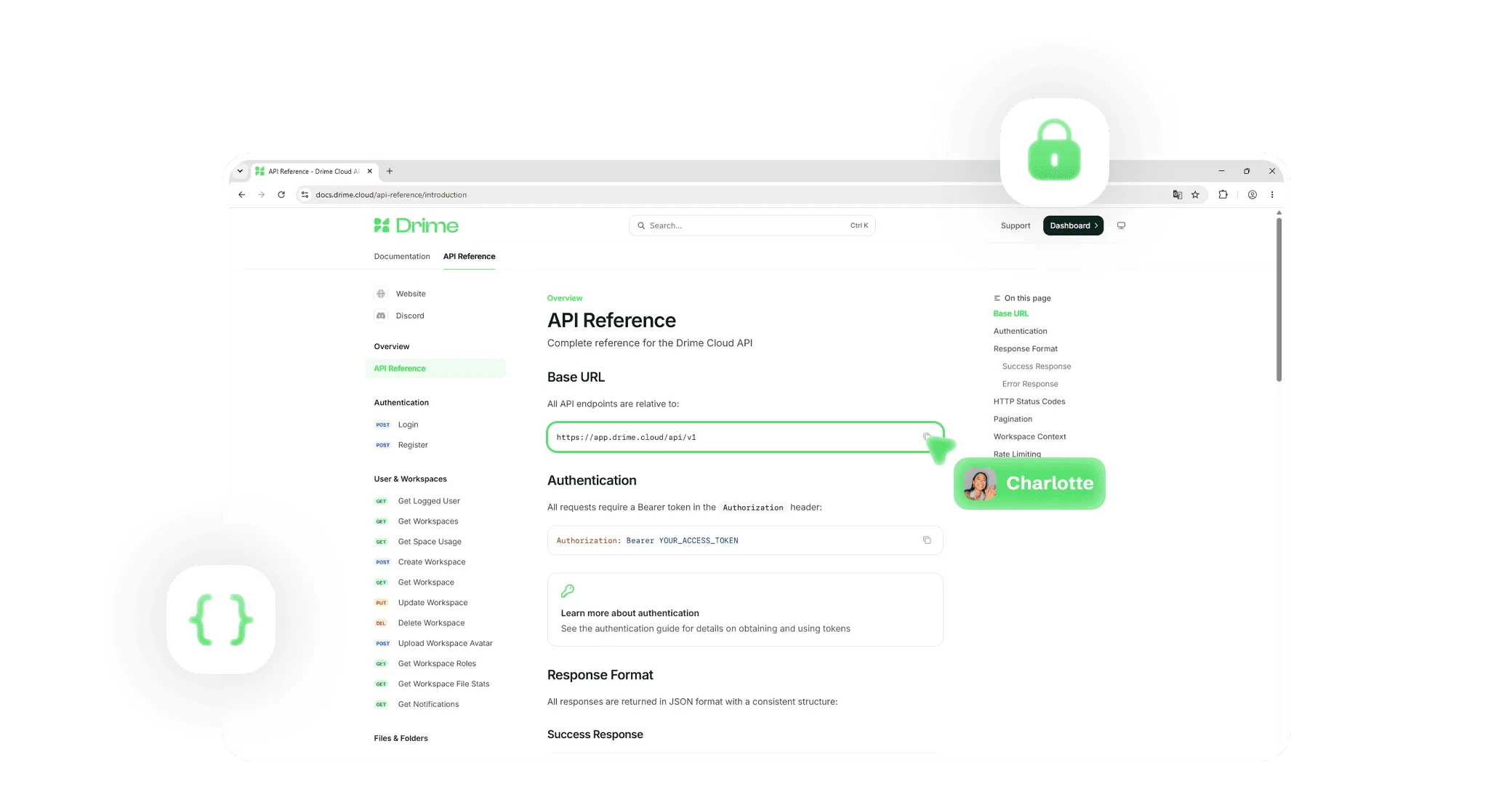
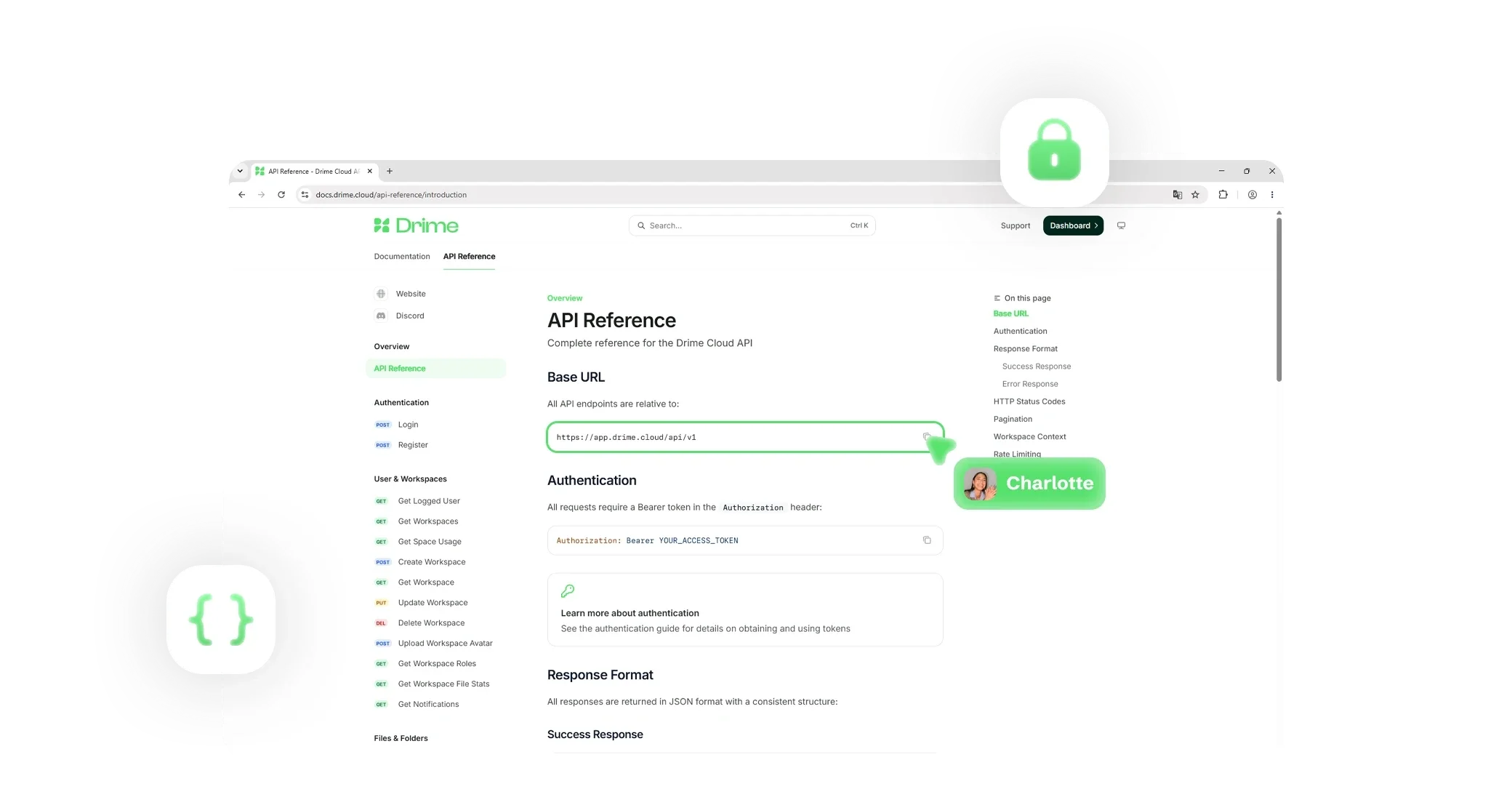

Drime API
Work with your Drive from your own code: files, folders, shares and collaboration.

Sign API and embedding
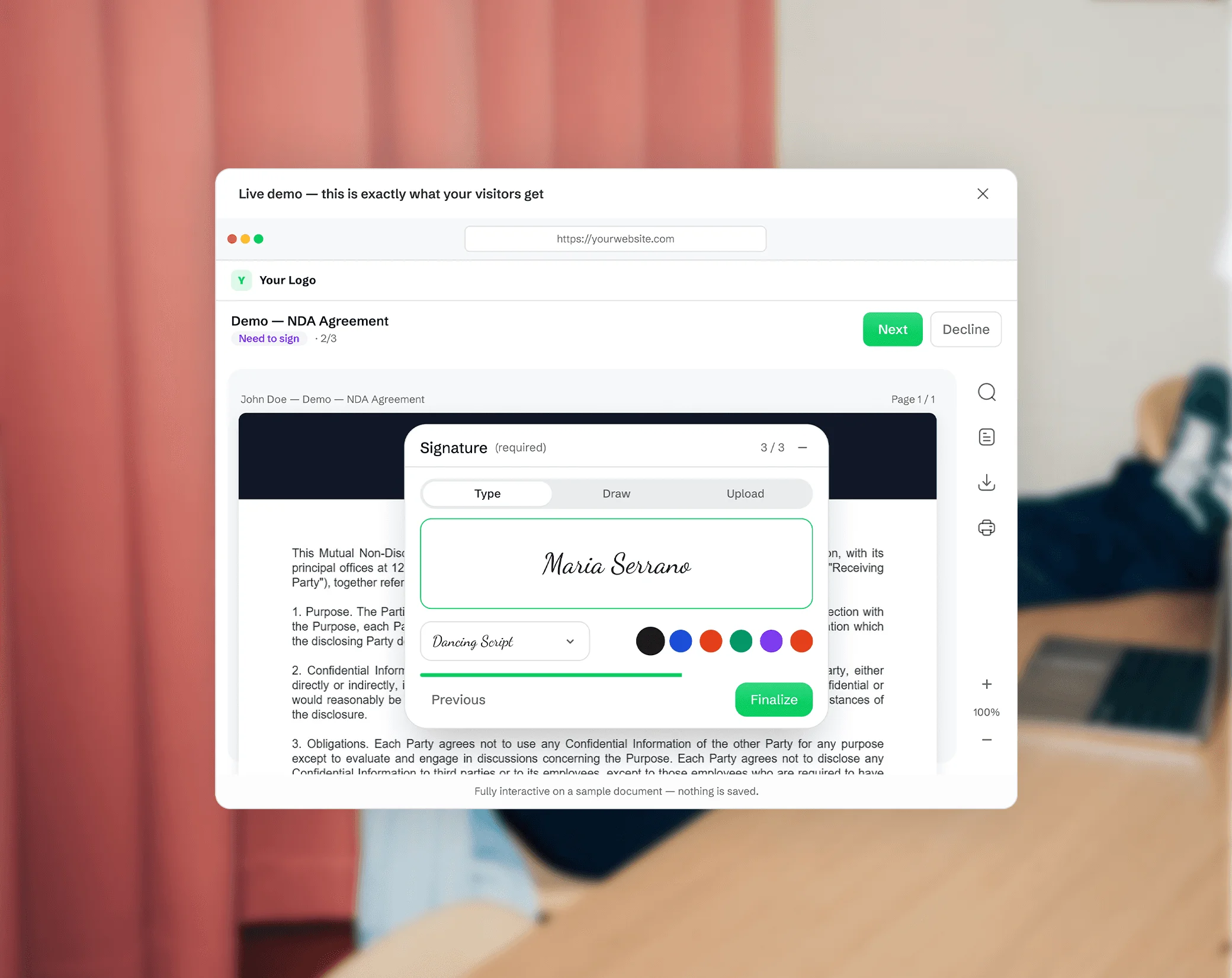
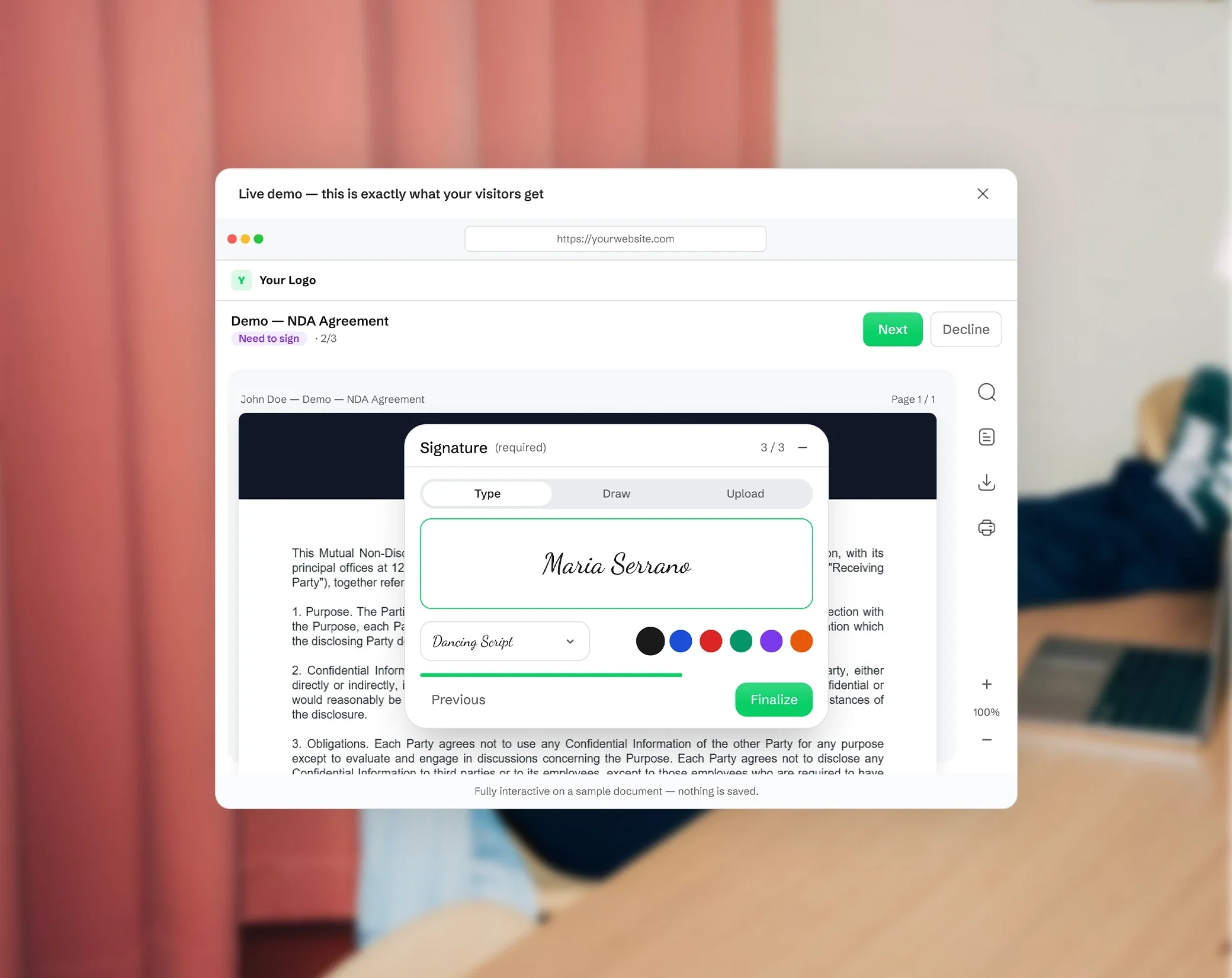
Let visitors sign documents without leaving your site, in plain HTML, React, Vue or Angular.

Webhooks
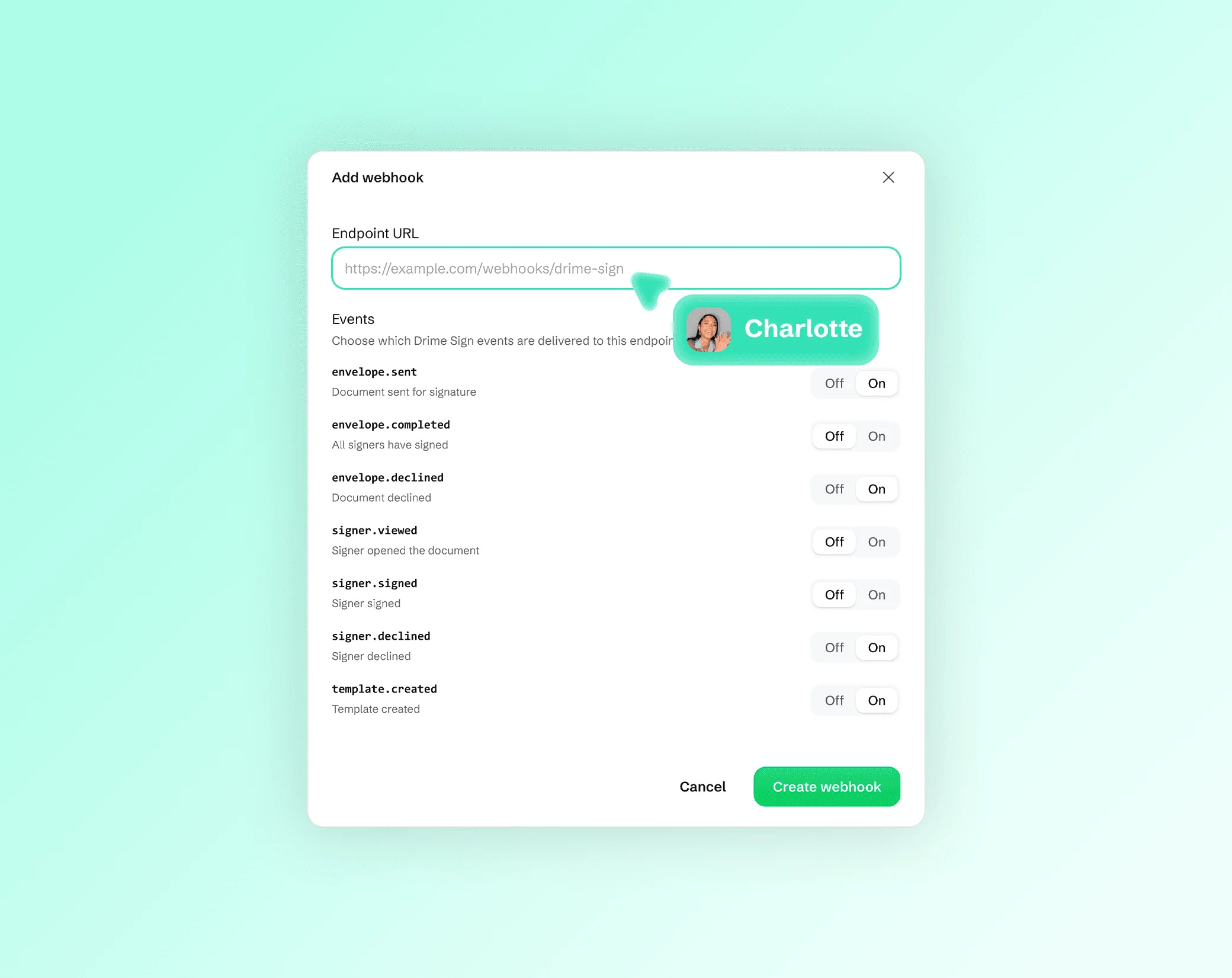
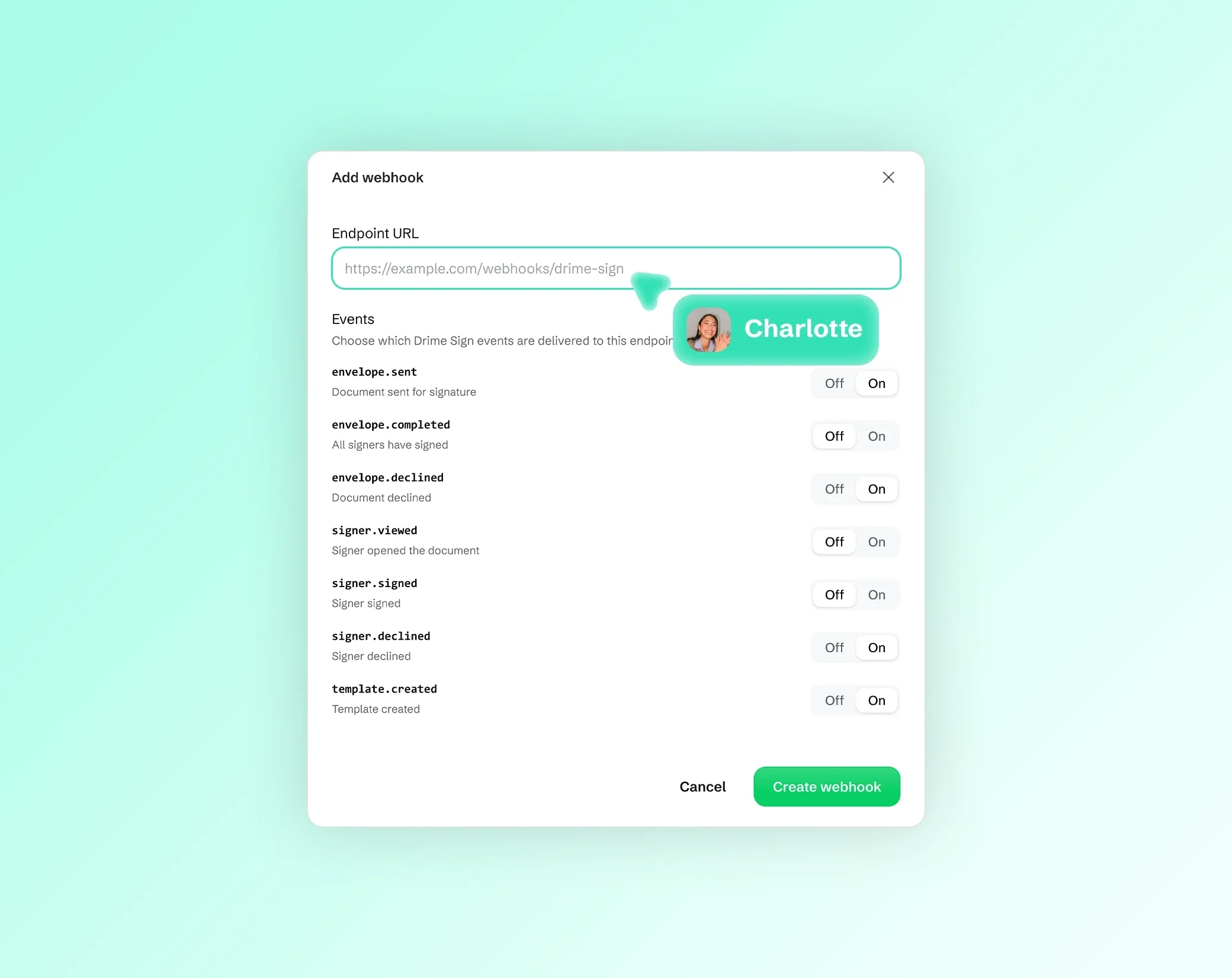
HTTP notifications for Drime Sign events, so your system reacts the moment a document is signed.


01
Get your keys
Create an account and generate your API credentials from the dashboard.
02
Call the API
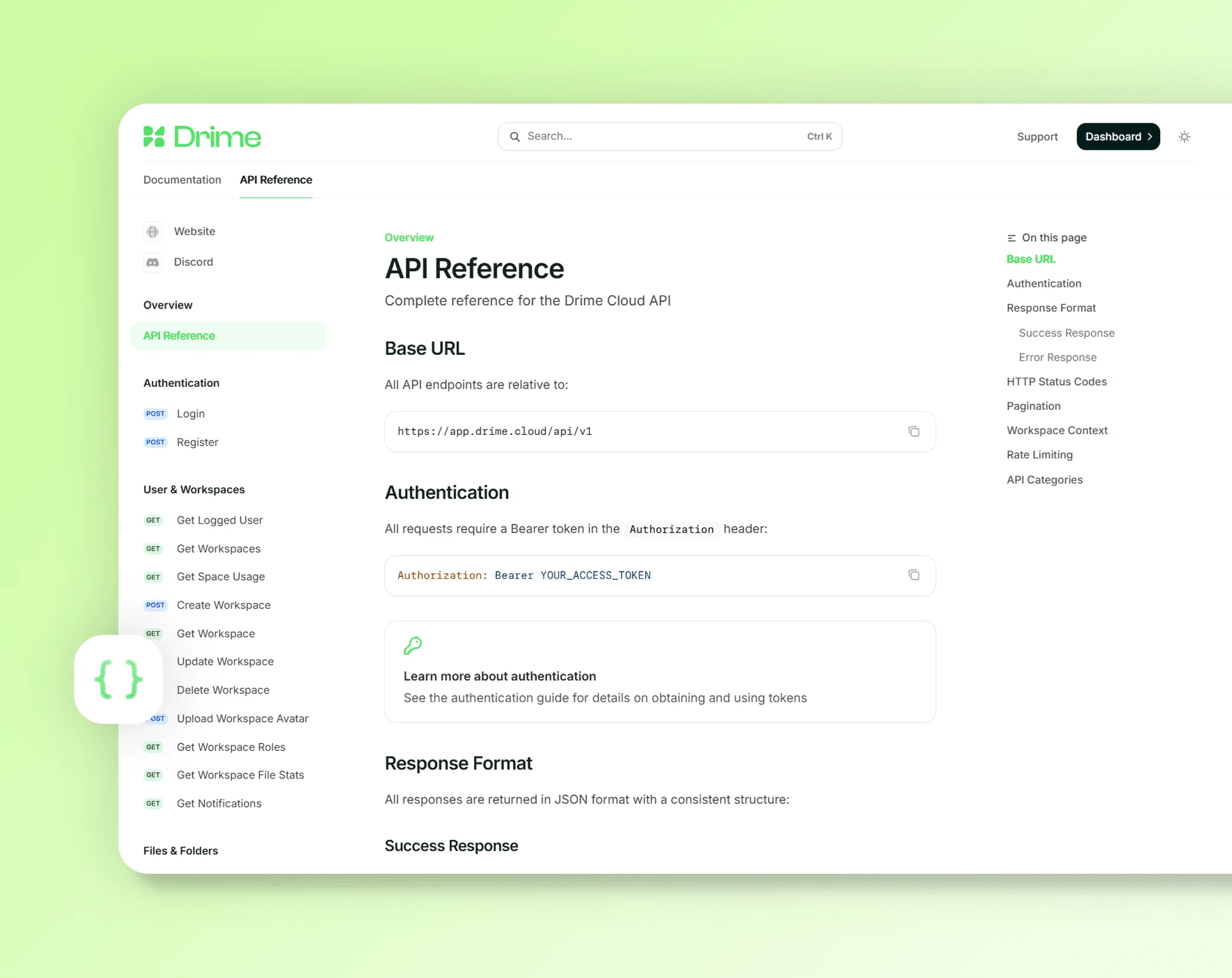
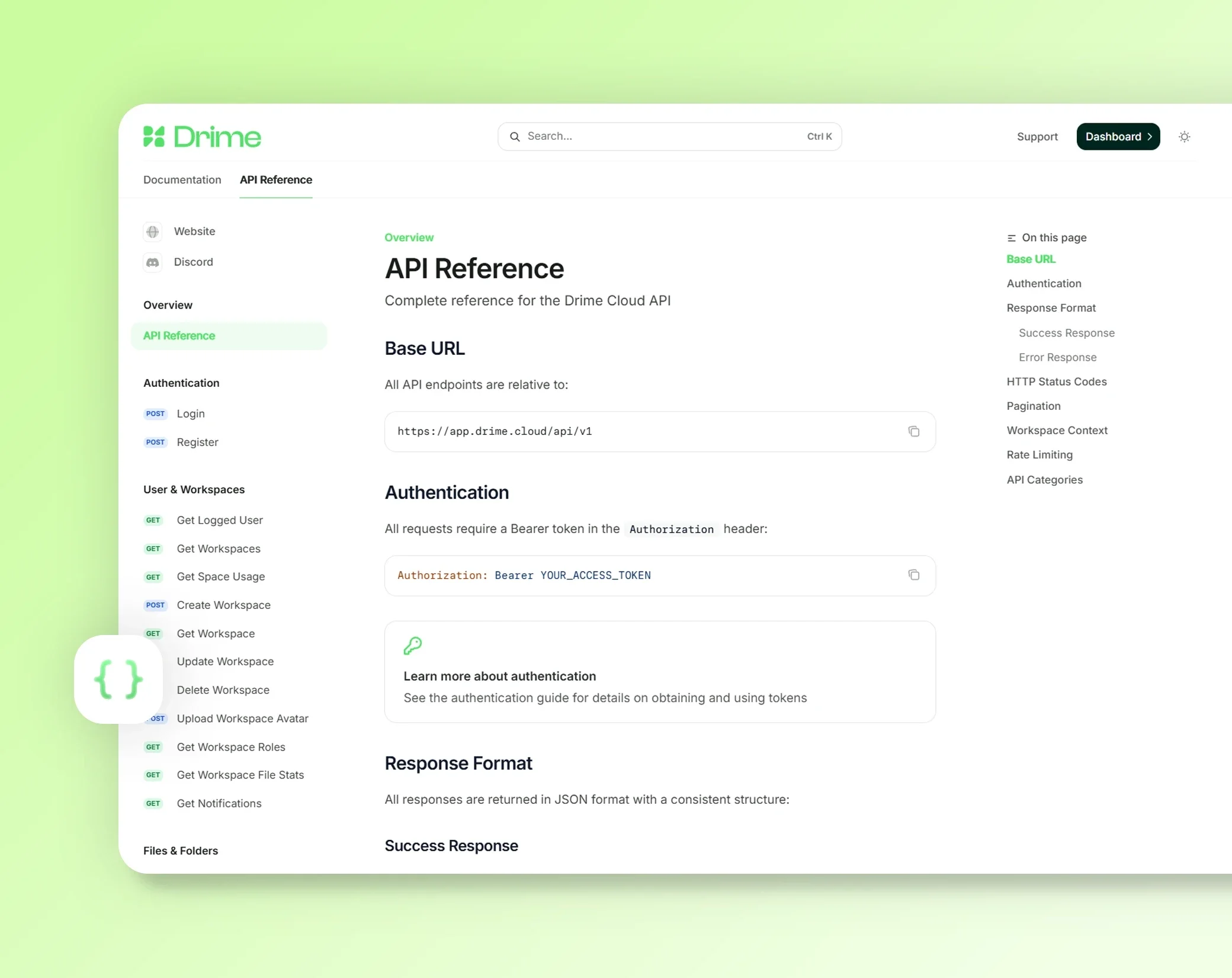
Follow the reference on docs.drime.cloud and make your first request.
03
Ship it
Embed the signing widget, add a webhook endpoint, and let your product take it from there.
Documented, versioned, and free to use on any plan.
REST API
Files, folders, shares and collaboration, driven from your own backend with documented endpoints.
Sign API
Create signature requests and templates programmatically.
Embeddable widget
One script tag, one element, signing inside your own page.
Webhooks
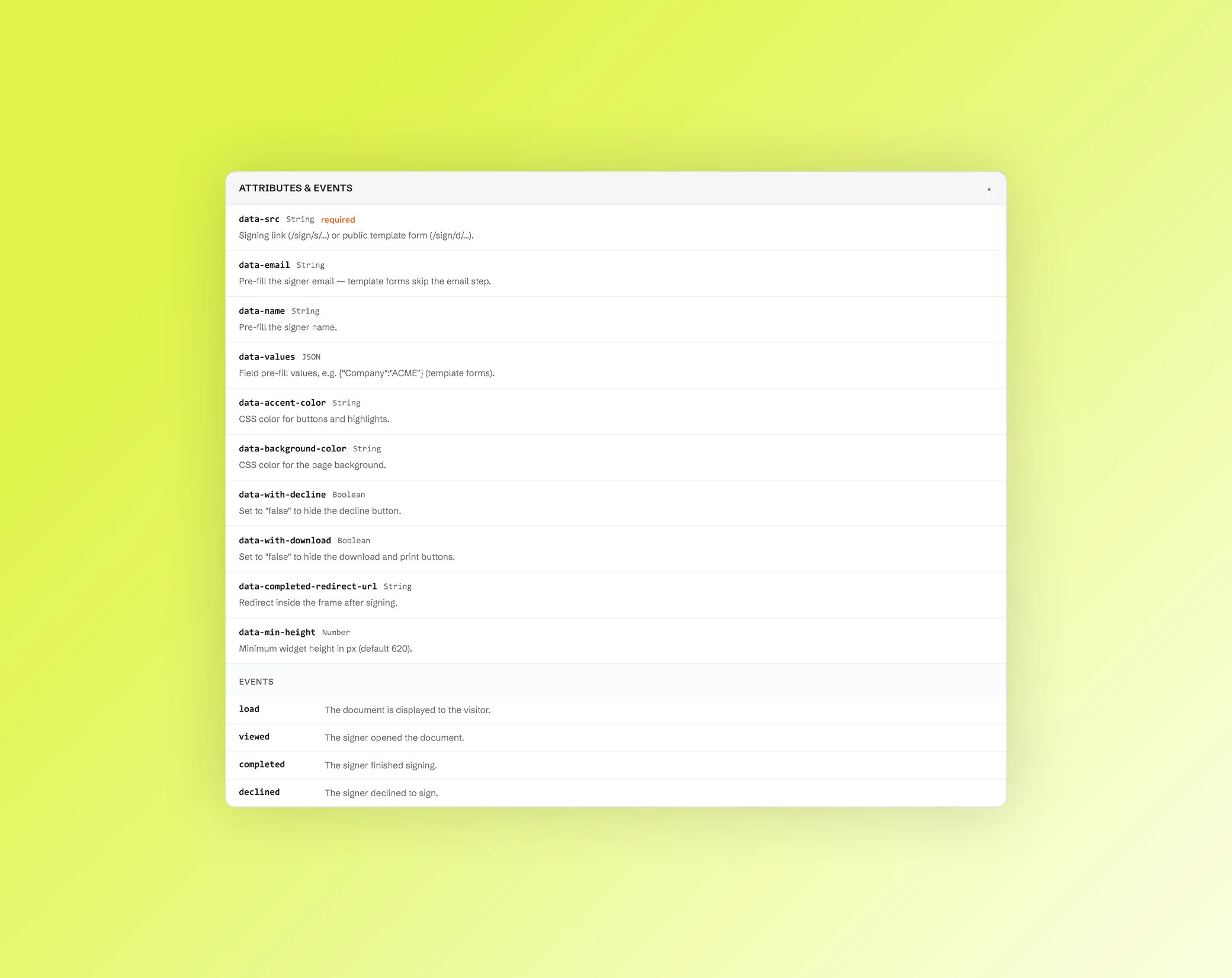
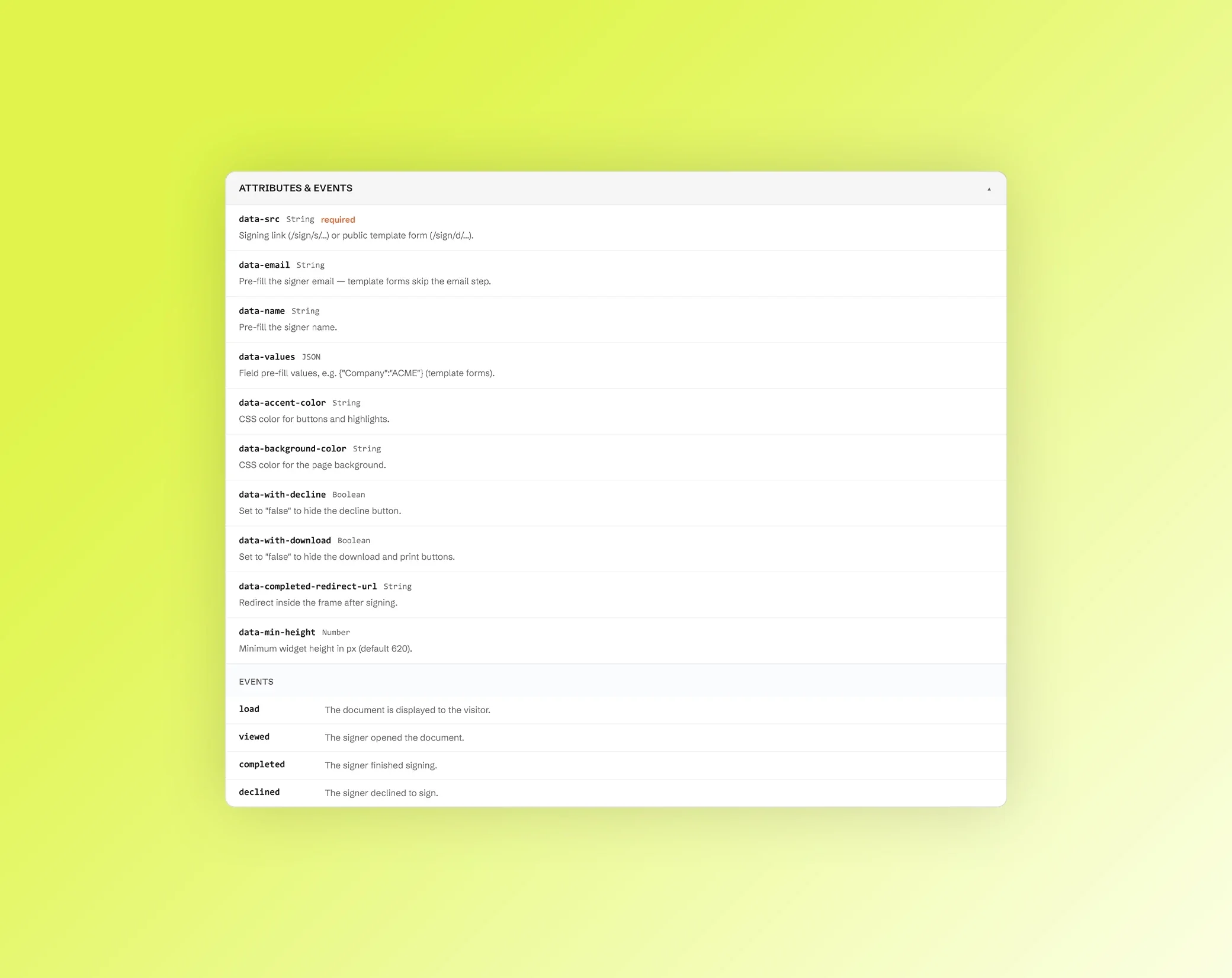
HTTP notifications for load, viewed, completed and declined.
Template forms
Point the widget at a public template form so every visitor signs their own copy.
rclone backend
Mount, sync and script your Drime storage with the official rclone backend at rclone.org/drime.
Themeable
Accent colour, background, decline and download buttons, all configurable.
Pre-filled fields
Pass the signer name, email and field values straight into the form.
Redirects
Send signers where you want once the document is signed.
Full documentation
Every endpoint, attribute and event on docs.drime.cloud.
Create a free account, grab your keys and follow the reference on docs.drime.cloud.
🇪🇺 Proudly European · Data hosted in the EU
We answered questions so you don’t have to ask them.
On docs.drime.cloud, starting with the introduction. It covers authentication, endpoints and the Sign integration.
Add the sign-embed script and a drime-sign-form element pointing at a signing link or a public template form. Each visitor signs their own copy.
The widget is a web component, so it works with plain HTML, React, Vue and Angular.
load when the document is displayed, viewed when the signer opens it, completed when signing finishes, and declined when the signer refuses.
Yes. Add a webhook endpoint and Drime Sign sends HTTP notifications for Sign events to your system.
Yes. rclone has an official Drime backend since rclone 1.73. Create an API token in Settings > Developers, then follow rclone's Drime guide at rclone.org/drime.
Yes. Use a public template form link so each visitor signs their own copy, and pre-fill fields with data-values.
No. API access, the Sign embed and webhooks are part of your plan.