Sync that keeps up with you

Sync that keeps up with you

Sync that keeps up with you

Selective sync on desktop, complete mobile sync of your photos, albums and videos. Every change, on every device, instantly.

Selective sync on desktop, complete mobile sync of your photos, albums and videos. Every change, on every device, instantly.

Selective sync • Full mobile sync • Blazing fast
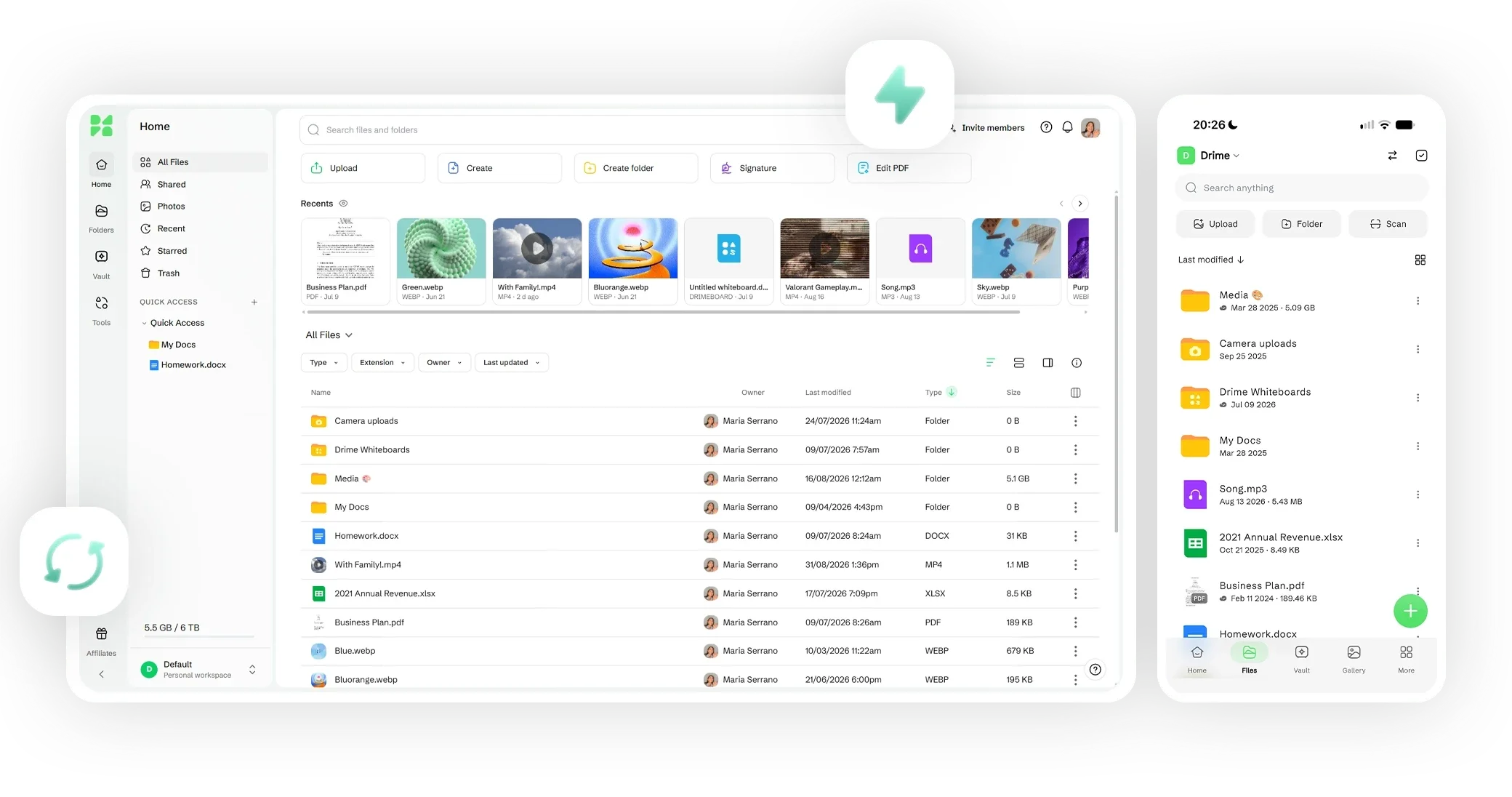

Drime on desktop and mobile: the same files and folders in the web app's Home screen and in the mobile app

Selective sync on desktop

Choose exactly which folders live on your computer and which stay cloud-only. Save disk space, keep everything reachable.
Complete mobile sync

Photos, albums, videos and files sync from your phone automatically, in full quality.

Built for speed

Only changes are transferred, so syncs finish in seconds, even on large libraries.
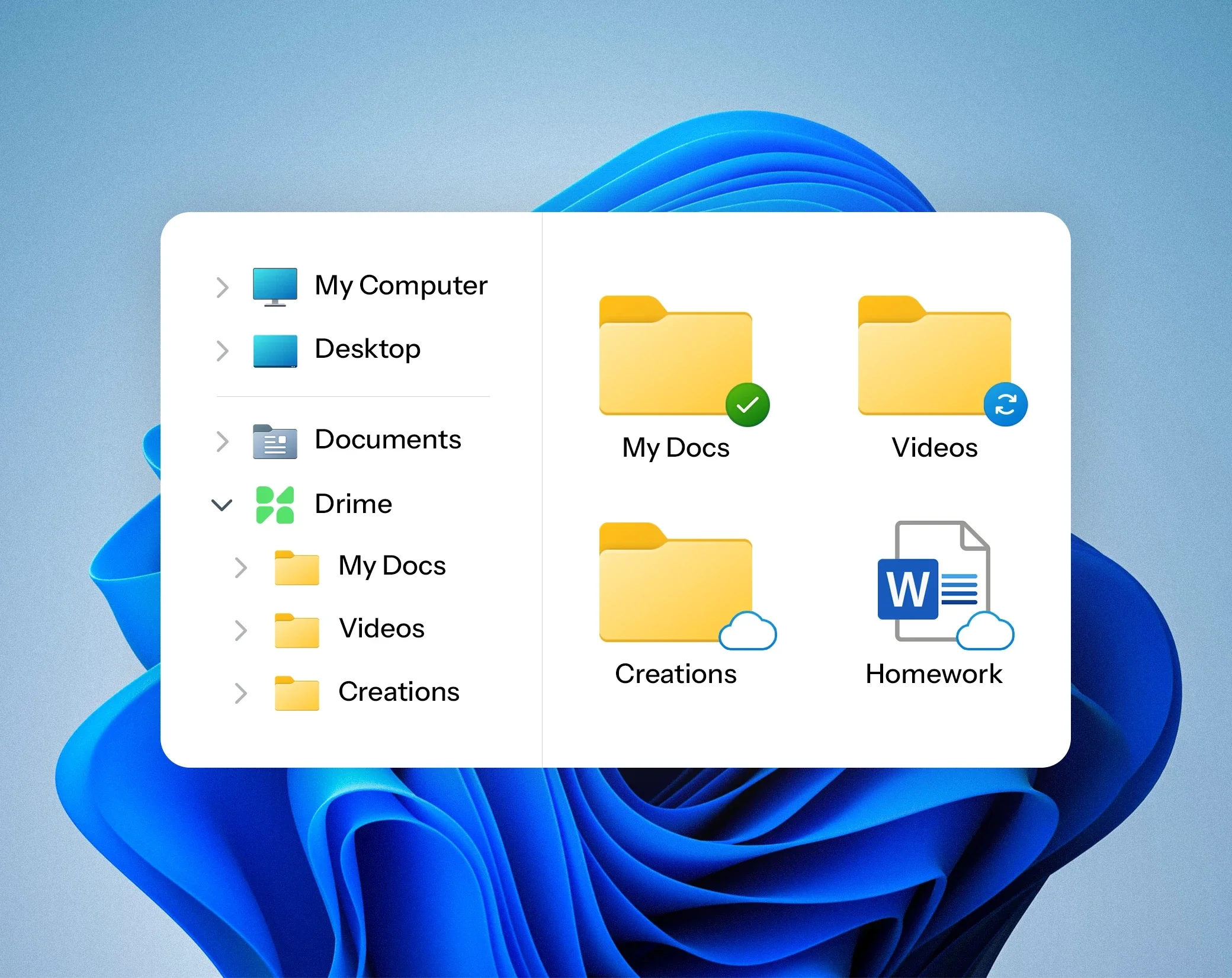
Choose what lives where

Choose what lives where

Choose what lives where

Selective sync lets you keep heavy folders cloud-only while your essentials stay available offline.

Selective sync lets you keep heavy folders cloud-only while your essentials stay available offline.

Drime folder in Windows File Explorer with files kept on the computer, syncing or online only
Drime icon with a green dot among the system tray icons, as the desktop app syncs in the background

Your desktop, connected

Your desktop, connected

Your desktop, connected

The Drime desktop app keeps your folders in sync in the background. Work locally, everything follows.

The Drime desktop app keeps your folders in sync in the background. Work locally, everything follows.

Your whole camera roll, safe

Your whole camera roll, safe

Your whole camera roll, safe

Photos, albums and videos upload as you capture them. Nothing to think about, nothing to lose.

Photos, albums and videos upload as you capture them. Nothing to think about, nothing to lose.

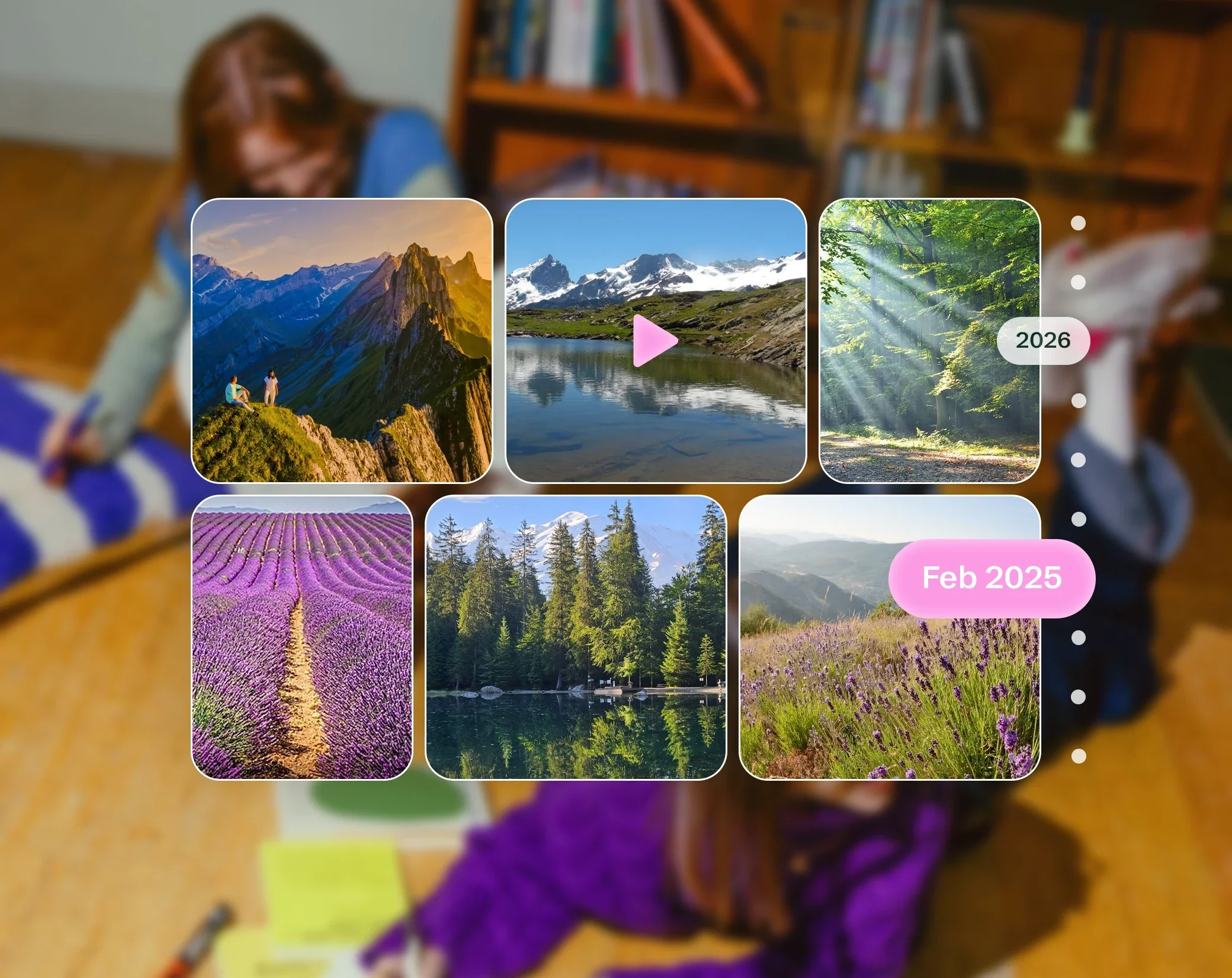
Photo and video gallery synced to Drime, sorted by date
Lightning bolt icon with light rays on a lime background, for fast sync across your devices

Fast on real-world connections

Fast on real-world connections

Fast on real-world connections

Optimized sync for fast transfers across all your devices.

Optimized sync for fast transfers across all your devices.

Every device, the same Drime

Every device, the same Drime

Every device, the same Drime

Desktop, mobile and browser always show the same, up-to-date files.

Desktop, mobile and browser always show the same, up-to-date files.

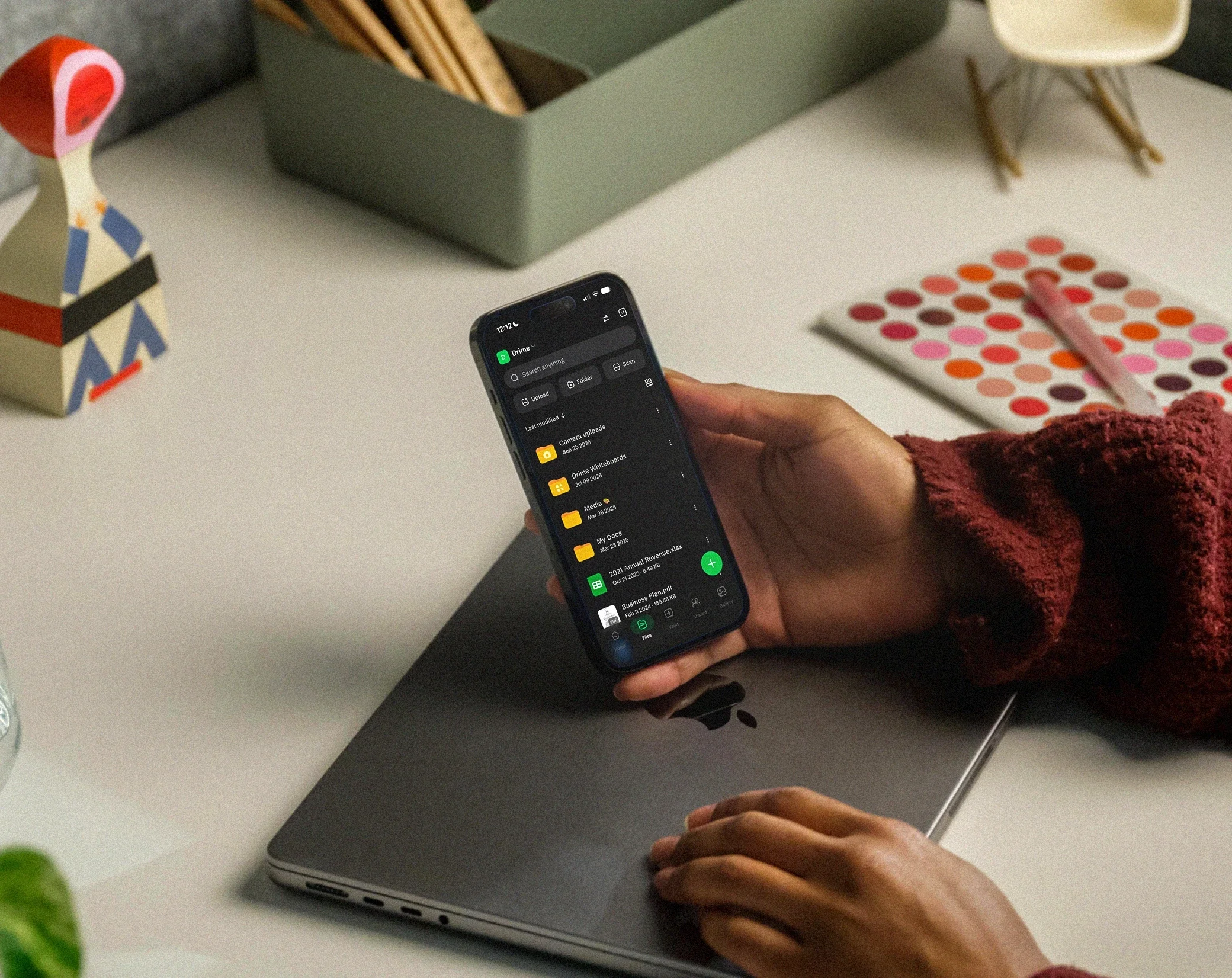
Phone showing the Drime file list in dark mode, held over a laptop

How it works

How it works

How it works

01

Install Drime on your devices

Desktop, mobile, and web — your files follow you everywhere.

02

Sync happens instantly

Every change is mirrored across devices in real time, even offline edits.

03

Free up space

Keep files in the cloud and stream them on demand without filling your disk.

Stop wasting time and start being productive

Stop wasting time and start being productive

Stop wasting time and start being productive

Get 20 GB free and see how Drime brings storage, sharing, editing and signatures together in one place.

🇪🇺 Proudly European · Data hosted in the EU

Find the answers that you need

Find the answers that you need

We answered questions so you don’t have to ask them.

What is selective sync?

You choose which folders are stored locally on your computer and which stay cloud-only.

Does mobile sync include albums and videos?

Is sync fast on large folders?

Which platforms are supported?

Does Drime comply with GDPR?

Can I share files with people who don't use Drime?

Can my team work together in Drime?

What happens if I cancel?