Free password generator
Create a strong, random password or an easy-to-remember passphrase in one click. It is generated in your browser and never leaves your device.
Your password is generated in your browser and never leaves your device: Drime doesn't see it, send it or store it.
Keep your sensitive files as safe as your passwords
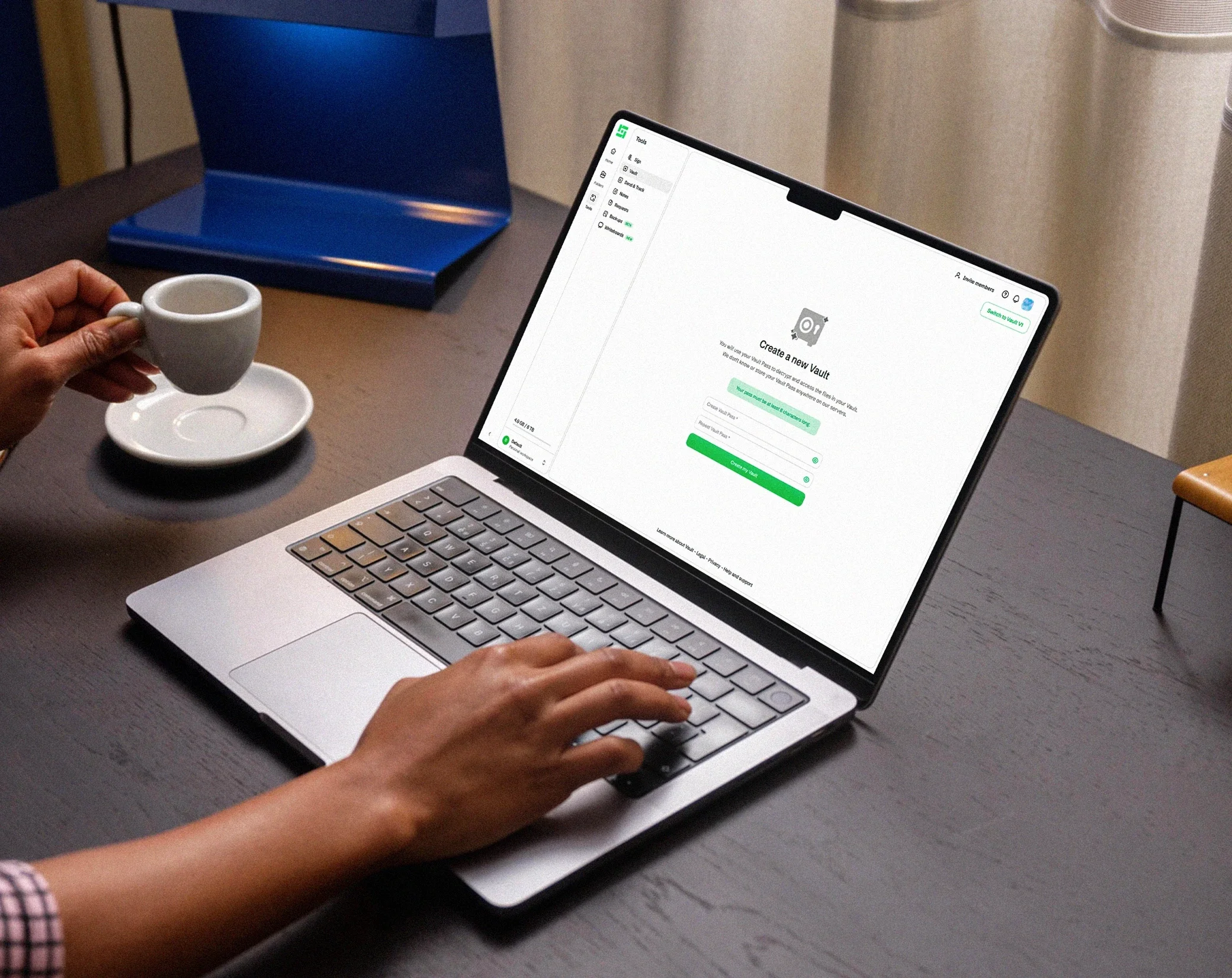
With the Drime Vault, your files are encrypted on your device before they are uploaded. Only you can open them.
Get started for free
Encrypted before it leaves
Files are encrypted end-to-end in your browser. Drime only ever stores unreadable ciphertext.

Previews that stay private
PDFs, photos and documents are decrypted locally to preview them. The readable version never exists on our servers.
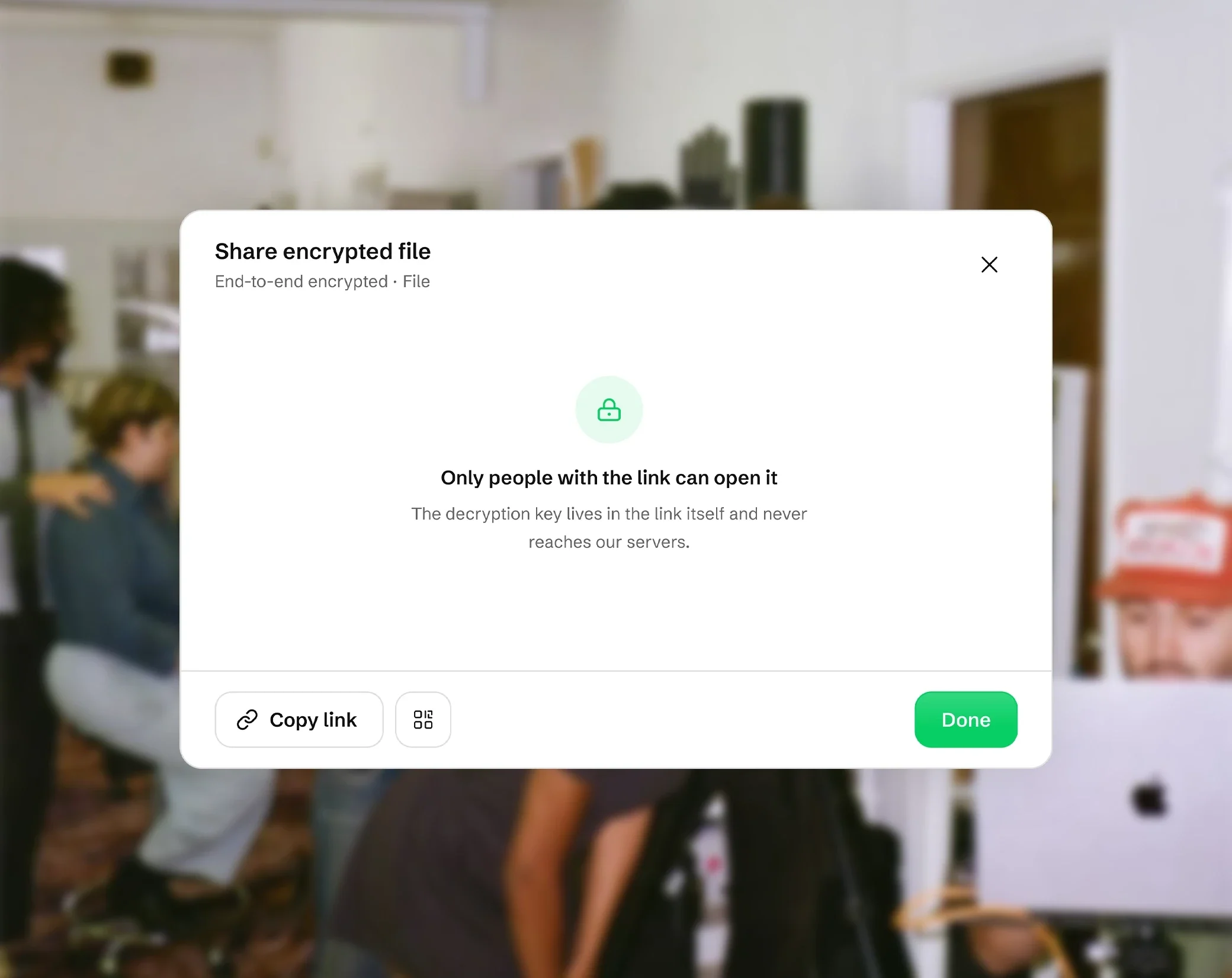
Sharing without handing over keys
Send a Vault file through an encrypted link. The decryption key travels with the link, never through our database.
How to use the password generator
Choose Password or Passphrase, then set the options. A new password appears each time you change an option, or when you click Regenerate.
Set the length with the slider, from 4 to 64 characters, 16 by default. Choose the characters: uppercase and lowercase letters, numbers and symbols. All four are on by default, and the password always contains at least one character of each type you selected. Avoid ambiguous characters removes look-alikes such as 0 and O, or 1, l and I.
For a password made of words, switch to passphrase mode. Then check the strength meter and click Copy.
What makes a password strong?
Length comes first: each extra character makes a password much harder to guess.
True randomness beats clever tricks. Replacing letters with numbers, like P@ssw0rd, is one of the first things attackers try. A password picked at random by a computer has no pattern to guess.
Use a unique password for every account, so that one leak doesn't open the others, and turn on two-factor authentication where you can.
The strength meter shows the password's entropy in bits, a measure of how many guesses it would take to find it: weak below 40 bits, fair from 40 to 59, strong from 60 to 79 and very strong from 80.
How long should a password be?
With uppercase and lowercase letters, numbers and symbols, each character adds about 6.4 bits. On the strength meter, 8 characters give about 51 bits (fair), 12 characters about 77 bits (strong), 16 characters, the default, about 103 bits (very strong), and 20 characters about 129 bits (very strong).
Without symbols, each character adds a little less, about 6 bits, so add a few characters to reach the same strength. If a site refuses symbols, turn them off and make the password longer.
For your most important accounts, such as your email or your bank, 16 characters or more is a good choice.
Passphrases: strong passwords you can remember
A passphrase is a series of random words, such as six common words joined by hyphens. It is easier to read, remember and type than a string of symbols, which makes it the better choice for a password you type by hand, like the one that unlocks your computer or your password manager.
The generator picks 3 to 10 words, 6 by default, from a list of 1,296 short English words published by the EFF. Each word adds about 10.3 bits: six words give about 62 bits, which is strong, and eight words about 83 bits, very strong. You can choose the separator, start each word with a capital letter, and add a number.
Is it safe to use an online password generator?
This one never sends your password anywhere. It is generated inside your browser, on your device, and it is not saved: close the page and it is gone. Like the rest of the site, the page counts visits, but never what you generate.
Each character or word is picked with crypto.getRandomValues, your browser's cryptographic random number generator, the same kind of randomness used for encryption, with no bias towards any character.
Once the page has loaded, the generator also works without an internet connection. The passphrase word list loads the first time you switch to Passphrase.
Frequently asked questions
Is it safe to use an online password generator?
It depends on where the password is created. This generator creates it in your browser, with its cryptographic random number generator, and never sends it over the internet. It is not saved either: when you close the page, the password is gone unless you copied it.
Are the passwords I generate saved or sent anywhere?
No. Nothing you generate is sent to Drime or to anyone else, and nothing is saved, on your device or online. Like the rest of the site, the page counts visits, but never the passwords you create.
How long should a password be?
Longer is better. With all four types of characters, 12 characters give about 77 bits (strong) and 16 characters, the default here, about 103 bits (very strong). For important accounts, 16 characters or more is a good choice. A passphrase of 6 words or more works well for passwords you type by hand.
What makes a password strong?
A strong password is long, random and used for one account only. Length matters most, then the variety of characters. Avoid predictable patterns such as words with letters swapped for numbers: a password picked at random by a generator has no pattern to guess.
Is a passphrase more secure than a password?
Neither is safer by nature: what counts is the entropy. Six random words from this generator give about 62 bits, a 12-character password about 77 bits. A passphrase is easier to remember and type, so add words to make it stronger: eight words give about 83 bits.
How long would it take to crack my password?
There is no single answer: it depends on the attacker's equipment and on how the site stores passwords. This generator shows entropy instead, in bits. Each extra bit doubles the number of guesses needed, so a password of 80 bits or more, rated very strong, would take an enormous number of guesses.
Do I need a unique password for every account?
Yes. If you reuse a password and one site leaks it, attackers can try it on your other accounts. Generate a different password for each account and keep them in a password manager, then turn on two-factor authentication where it is offered.
How do I create a strong password that I can remember?
Use a passphrase: switch the generator to passphrase mode to get random words joined by a separator, such as hyphens. Six words or more give a strong password that is easier to remember and type than random symbols. You can capitalize the words and add a number.