Drime vs Google Drive

Drime vs Google Drive

Google Drive shares one quota with Gmail and Photos. Drime keeps your files in a European cloud built for work: office suite, eSignatures, notes and an end-to-end encrypted Vault, from €2.99 a month.
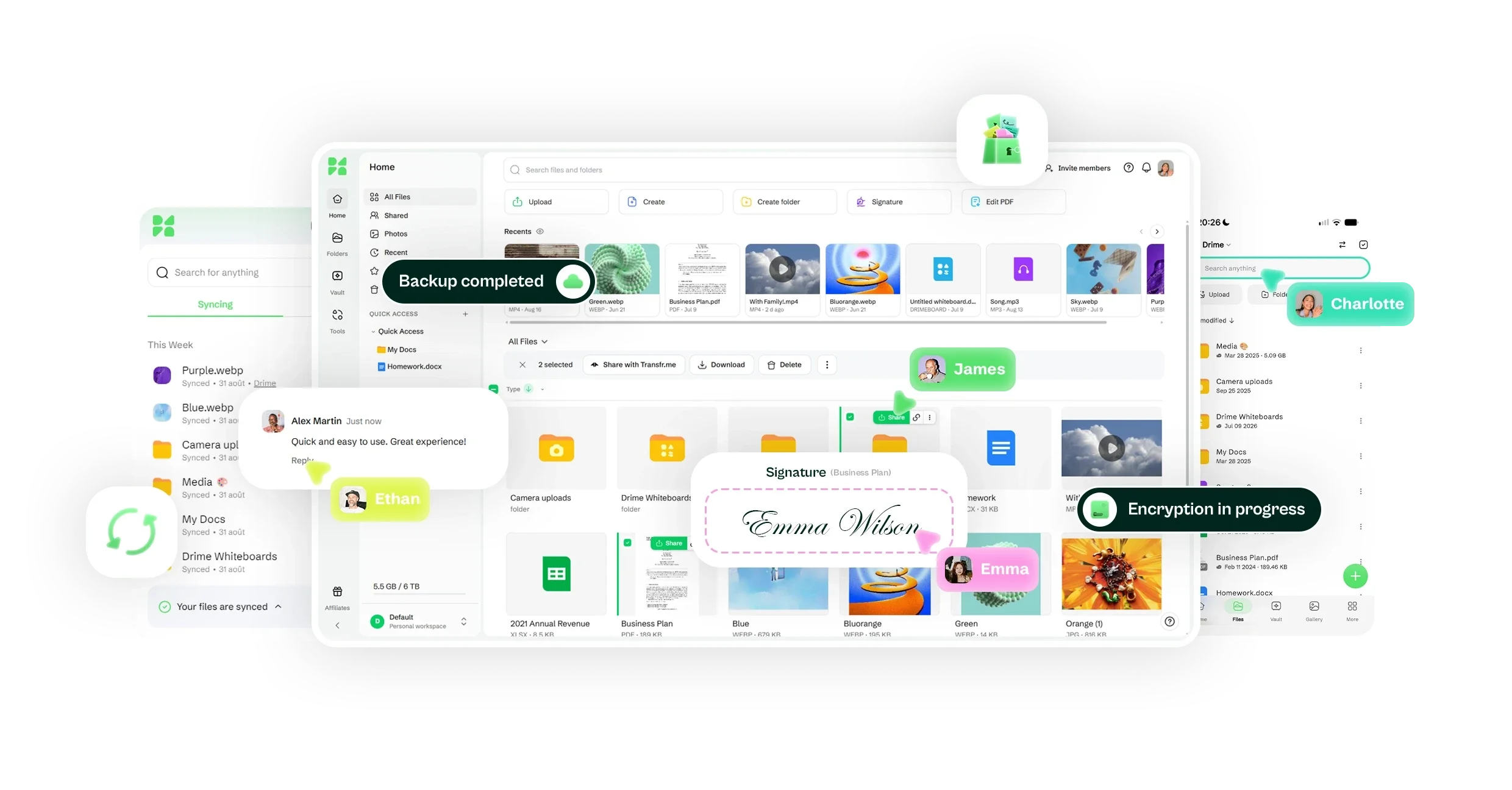
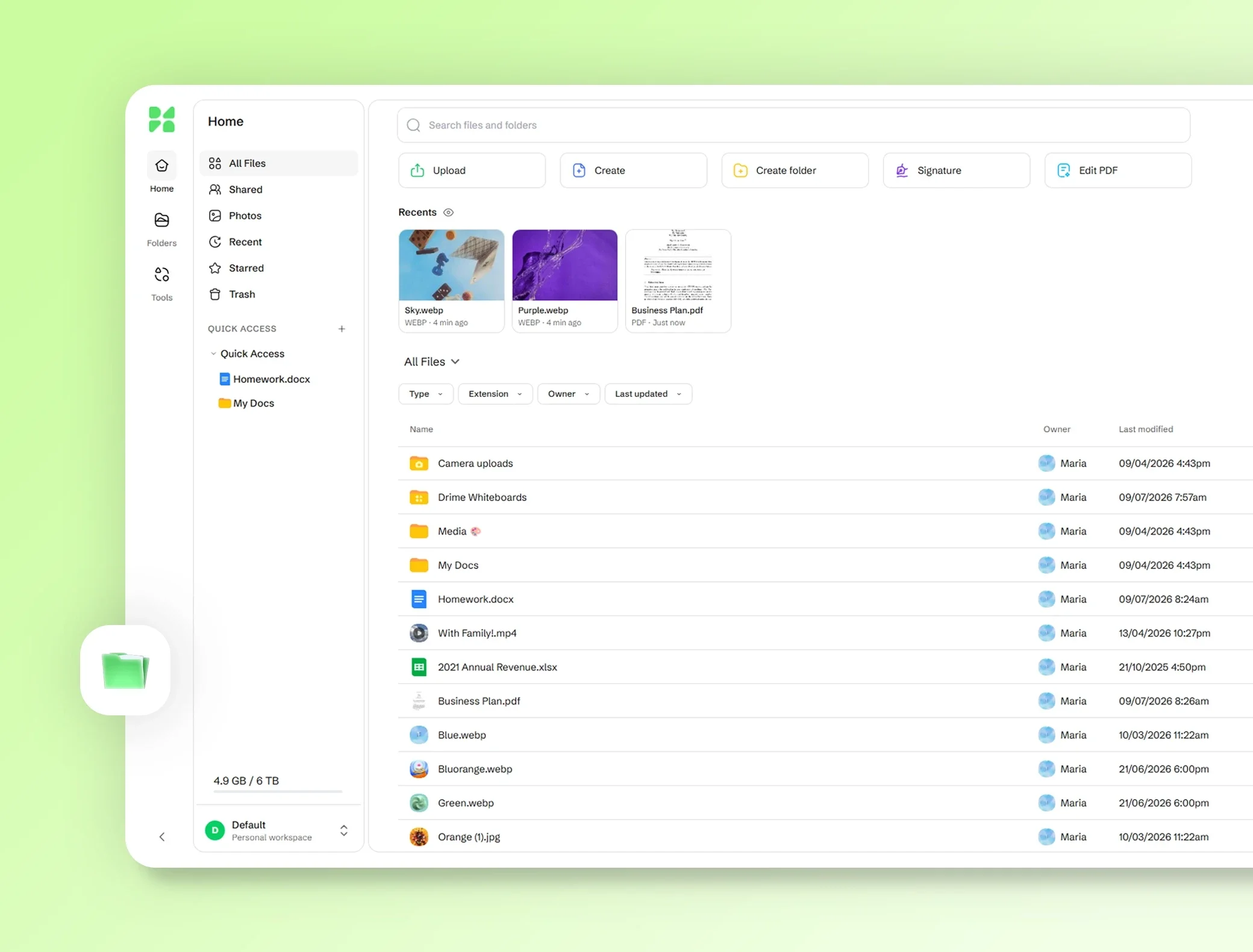
Drime on web, desktop and mobile: file home page, synced files, a signature, and backup and encryption status badges

Storage that holds your files

At Google, Drive, Gmail and Photos share one quota. Your Drime storage is for your files.

European by construction

French company, EU hosting, GDPR by default. Google stores data on servers around the world.

End-to-end encryption included

Drime: the Vault on every plan. Google: client-side encryption on some Workspace editions only.

Drime vs Google Drive, feature by feature

Drime vs Google Drive, feature by feature

Drime Essentials and Google AI Plus, 2 TB each, with prices billed yearly.
FeatureDrime EssentialsGoogle AI Plus (2 TB)

Storage
2 TB
2 TB
Price per month, billed yearly
€4.40
€8.33
Price per month, billed monthly
€5.50
€9.99
Free plan storage
20 GB
15 GB
People included
Up to 15 members
You and up to 5 others (shared storage)
Maximum file size
Unlimited
5 TB

Restore deleted files
30 days
30 days
Version history
90 days
30 days or 100 versions

Password-protected links
Included
—Not included
Links with expiry dates
Included
—Not included
Shared link bandwidth
Unlimited
Temporary limit (undisclosed)
Send large files
No size limit
Via share link (up to 5 TB per file)
File requests
Included
Google Forms, sign-in required

Encryption in transit and at rest
Included
Included
End-to-end encryption
Included
—Not included
Multi-factor authentication
Included
Included
Where your files are stored
Europe / EU
Servers around the world

Built-in office suite
Included
Included
eSignature requests
Unlimited
—Not included
Unlimited self-signing
Included
—Not included
PDF editing
Included
Form filling on mobile
Comment on videos
Included
Included
Image editing
Included
Included
Video editing
Included
Included
Whiteboards
Included
—Not included
Notes and documents
Included
Included
Artificial intelligence
Included
Included

Phone photo backup
Included
Included
Desktop app
Windows, macOS (Apple silicon)
Windows, macOS
iPhone and Android apps
Included
Included
Live chat support
Included
Included

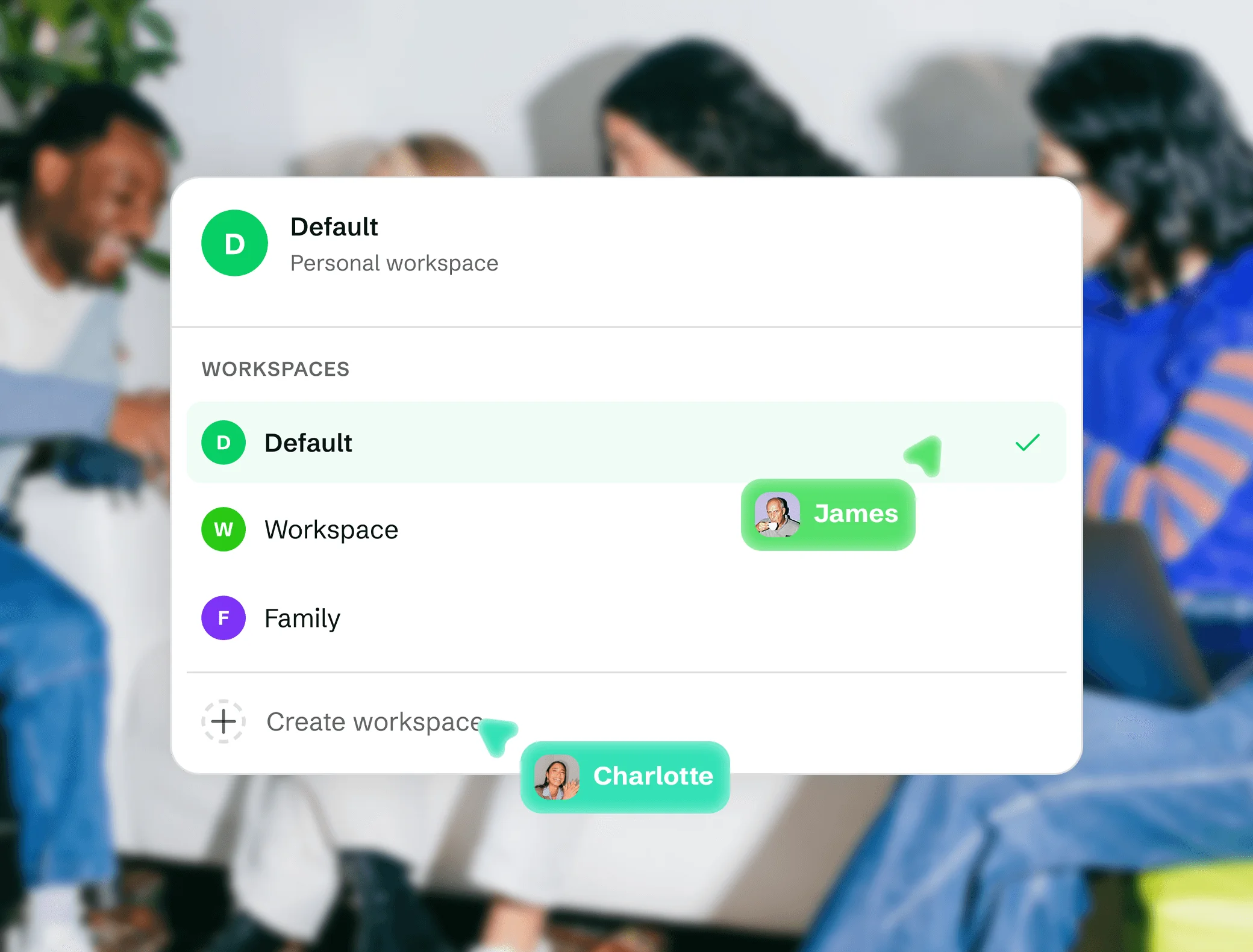
One workspace for everything

Bring your docs, boards, and files together so your team stays in flow.

Shared workspace

Keep projects, files, and people in one organized place.

Document editing

Whiteboard

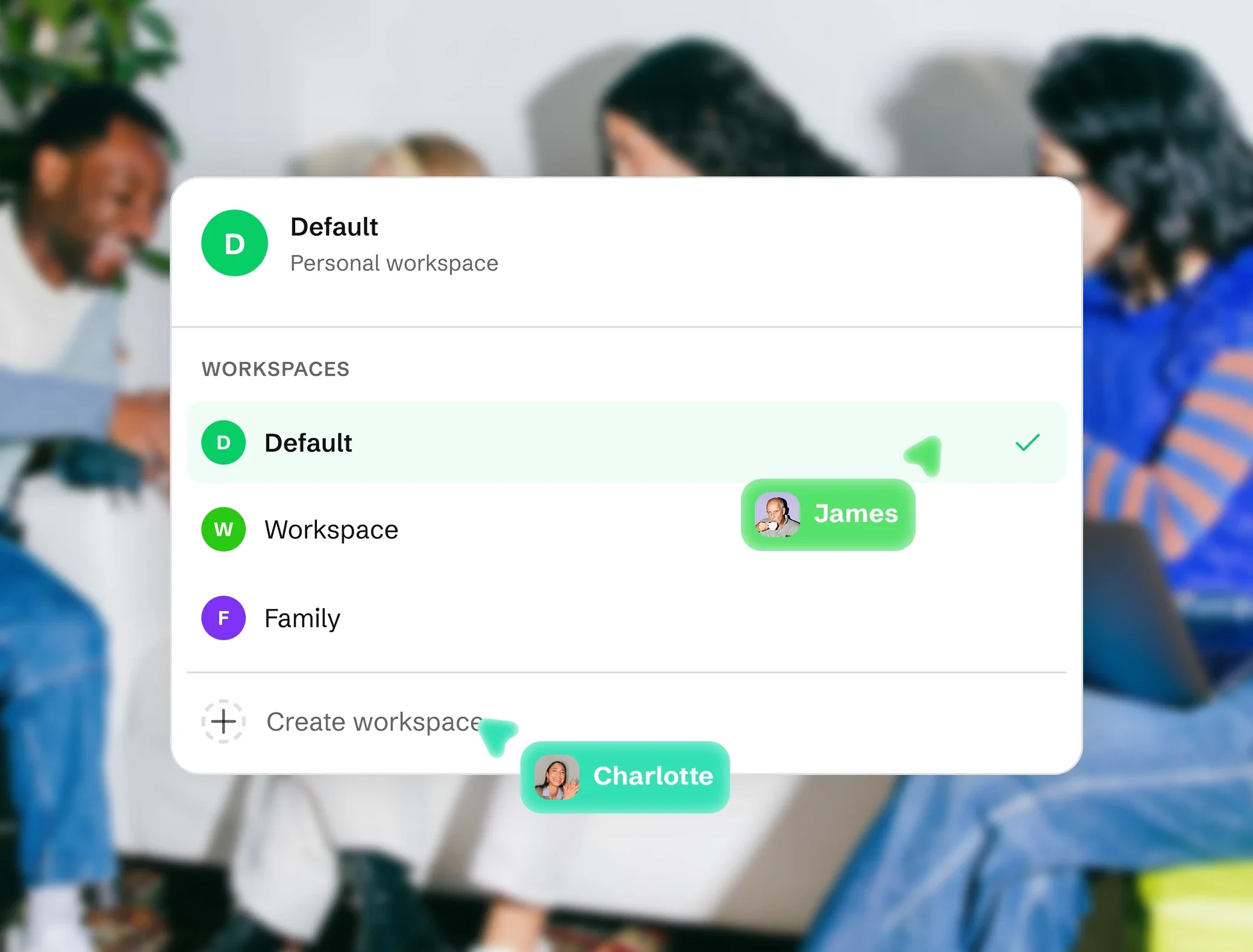
Drime workspace switcher listing Default, Workspace and Family, with Create workspace and teammates' cursors

One workspace for everything

Bring your docs, boards, and files together so your team stays in flow.

Shared workspace

Keep projects, files, and people in one organized place.

Document editing

Whiteboard

Drime web app home: shortcut buttons, recent files and the All Files list of folders and documents

Keep everything safe and within reach

All your files, protected and ready wherever you work.

Cloud storage

Scalable storage you can reach from any device, anytime.

Vault

Security

Drime workspace switcher listing Default, Workspace and Family, with Create workspace and teammates' cursors

Keep everything safe and within reach

All your files, protected and ready wherever you work.

Security

With the Vault, end-to-end encryption keeps your most sensitive files private by design.

Vault

Cloud storage

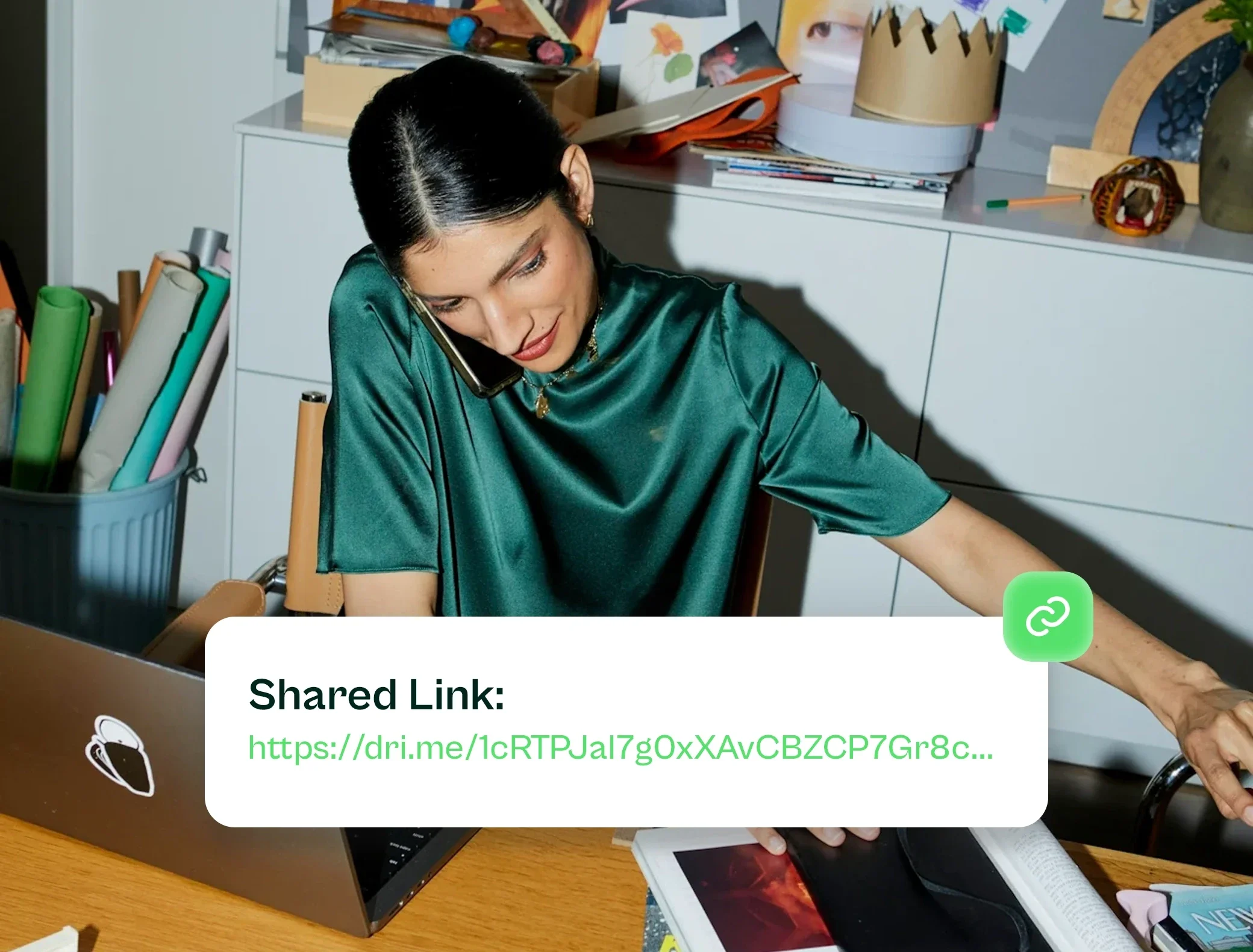
Share and stay in sync

Send, track, and keep every file up to date with your whole team.

Sharing

Share files and folders with secure links and clear permissions.

Sync

Send & Track

Woman on the phone at her desk, with a Drime shared link card showing a dri.me URL
Drime workspace switcher listing Default, Workspace and Family, with Create workspace and teammates' cursors

Share and stay in sync

Send, track, and keep every file up to date with your whole team.

Sharing

Share files and folders with secure links and clear permissions.

Sync

Send & Track

6 ways Drime improves your file storage experience

6 ways Drime improves your file storage experience

6 ways Drime improves your file storage experience

Powerful cloud storage. Secure files. Zero friction.

Powerful cloud storage. Secure files. Zero friction.

Powerful cloud storage. Secure files. Zero friction.

All-in-one workspace

Share files, request signatures, leave comments, preview videos, everything in one secure place.

See everything included

Stream videos seamlessly

Enjoy smooth playback, fast previews, and optimized streaming for all your video files.

Explore video streaming
European data protection

We store your files exclusively in EU-based data centers, under strict GDPR compliance.

Learn about security

Access from anywhere in the world

On desktop, mobile, or browser, your files are always just a click away.

Get the apps

Smart sharing

Send large files with expiring links, manage access, and track views or downloads with ease.

See how sharing works

Built for simplicity

Drime is ready when you are. No setup, no confusion, just drag, drop, and get to work.

Get started

People are switching to Drime

People are switching to Drime

People are switching to Drime

“ Drime saves me so much time, everything feels smooth and easy. ”

“ Drime saves me so much time, everything feels smooth and easy. ”

@Basile Royer

Freelance, motion designer

“ A super fast cloud, perfect for organizing my creative projects. ”

“ A super fast cloud, perfect for organizing my creative projects. ”

@Clement Jan

Startup founder

“ Perfect for sharing with clients. Intuitive and secure. ”

“ Perfect for sharing with clients. Intuitive and secure. ”

@Samuel Fillon

Community manager

Keep the files. Lose the clutter.

Start with 20 GB free, bring your Drive folders and see how much of your stack Drime replaces.

Start with 20 GB free, bring your Drive folders and see how much of your stack Drime replaces.

🇪🇺 Proudly European · Data hosted in the EU

🇪🇺 Proudly European · Data hosted in the EU

Find the answers that you need

Find the answers that you need

We answered questions so you don’t have to ask them.

We answered questions so you don’t have to ask them.

Can I move my files from Google Drive to Drime?

Yes. Drag and drop your folders, or use the desktop app to sync a Google Drive folder into Drime. Your structure is preserved.

Is Drime cheaper than Google One?

Is my storage shared with email and photos?

Does Google Drive offer end-to-end encryption?

Can I protect a shared link with a password or an expiry date?

Where are my files stored?

Does Drime replace Google Docs?

What happens if I cancel?