Merge PDF files for free
Merge PDF files for free in your browser: combine several PDFs, and JPG, PNG, HEIC, WebP or AVIF images, into one PDF, in the order you choose. Your files never leave your device.
Your files are merged in your browser and never leave your device: nothing is uploaded to Drime or anywhere else.
Keep your PDFs safe with Drime
Store your documents in the cloud and find them on all your devices, share them with a link you control, and keep your most sensitive files in an end-to-end encrypted Vault.
Get started for free
Know what happens after you send
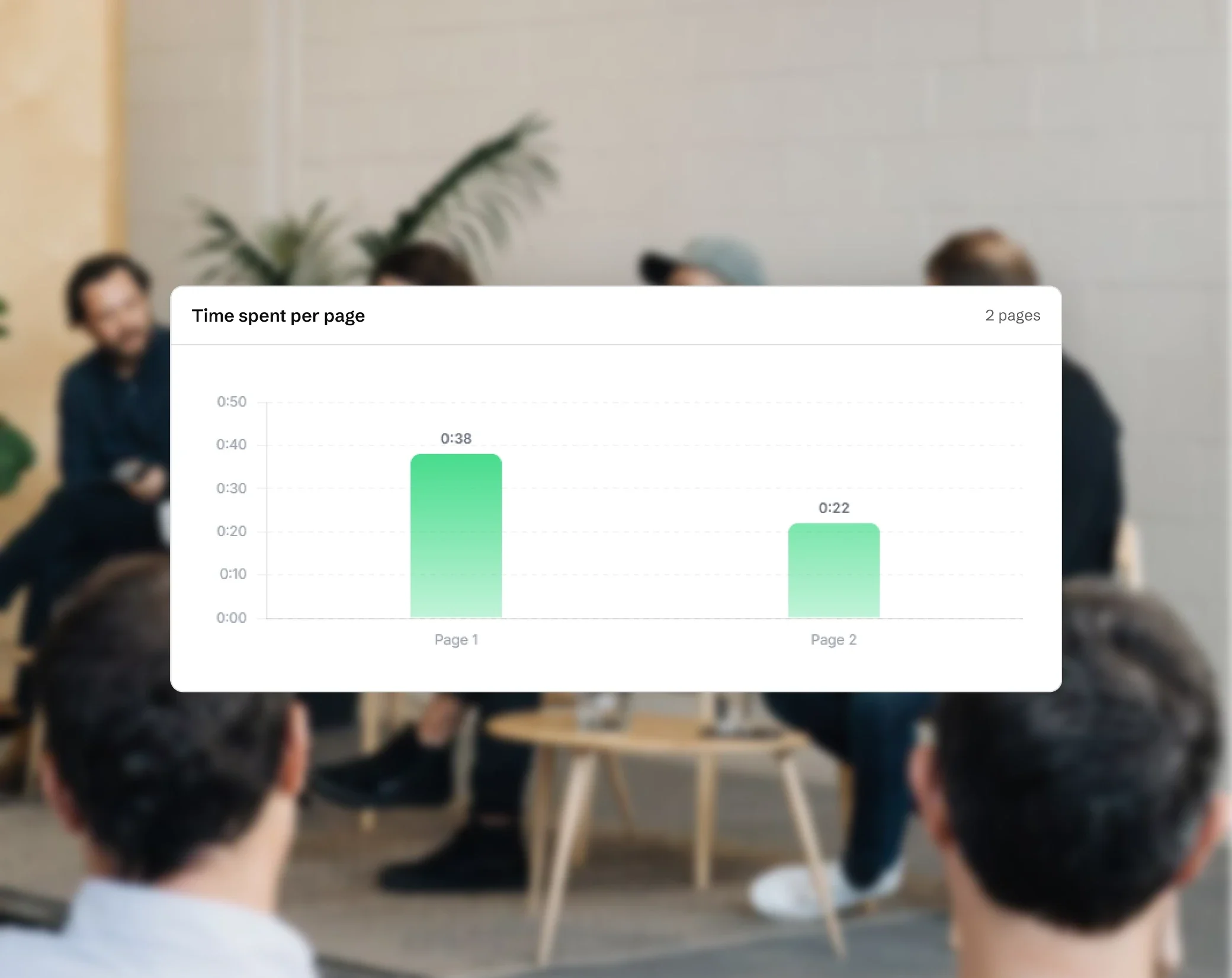
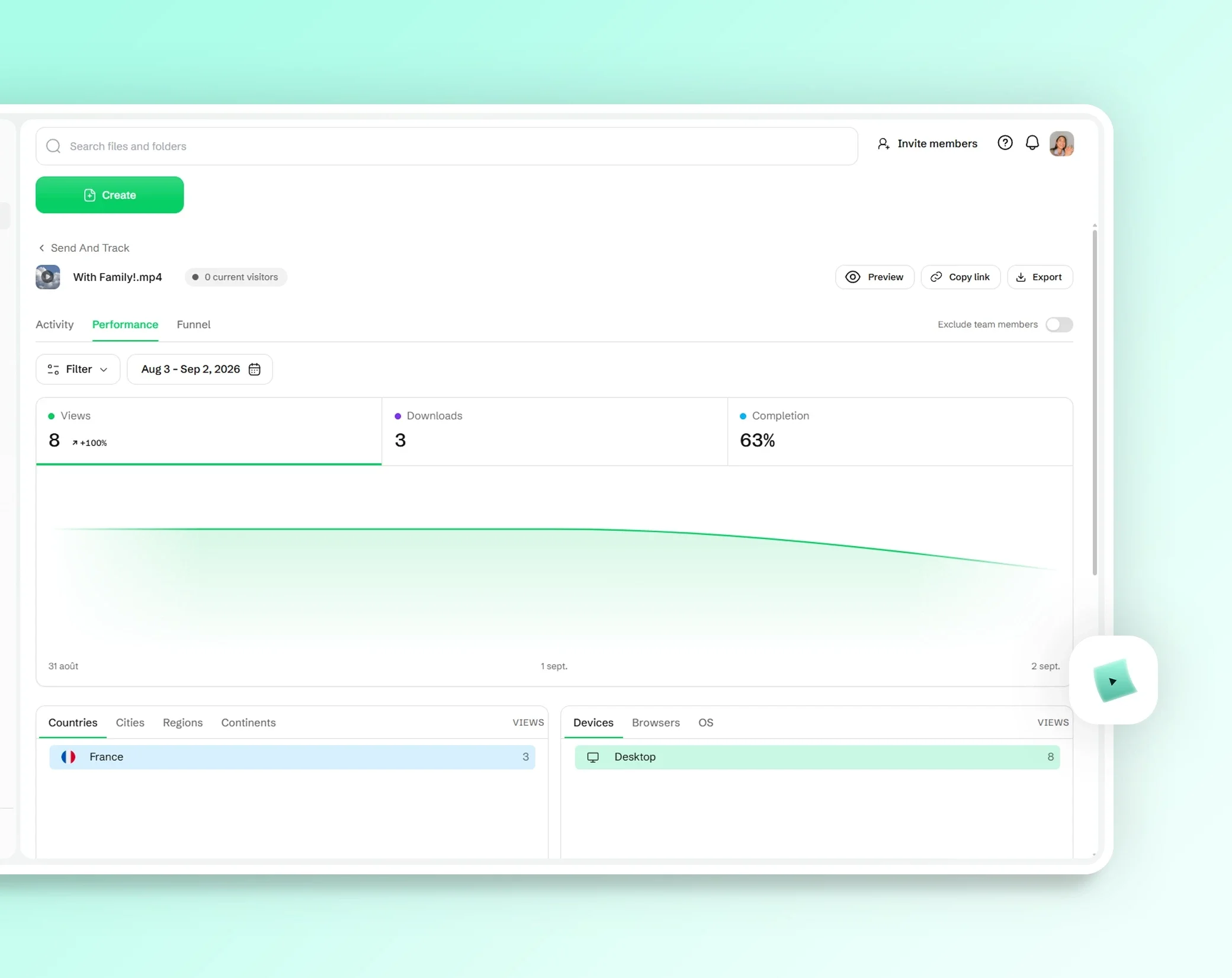
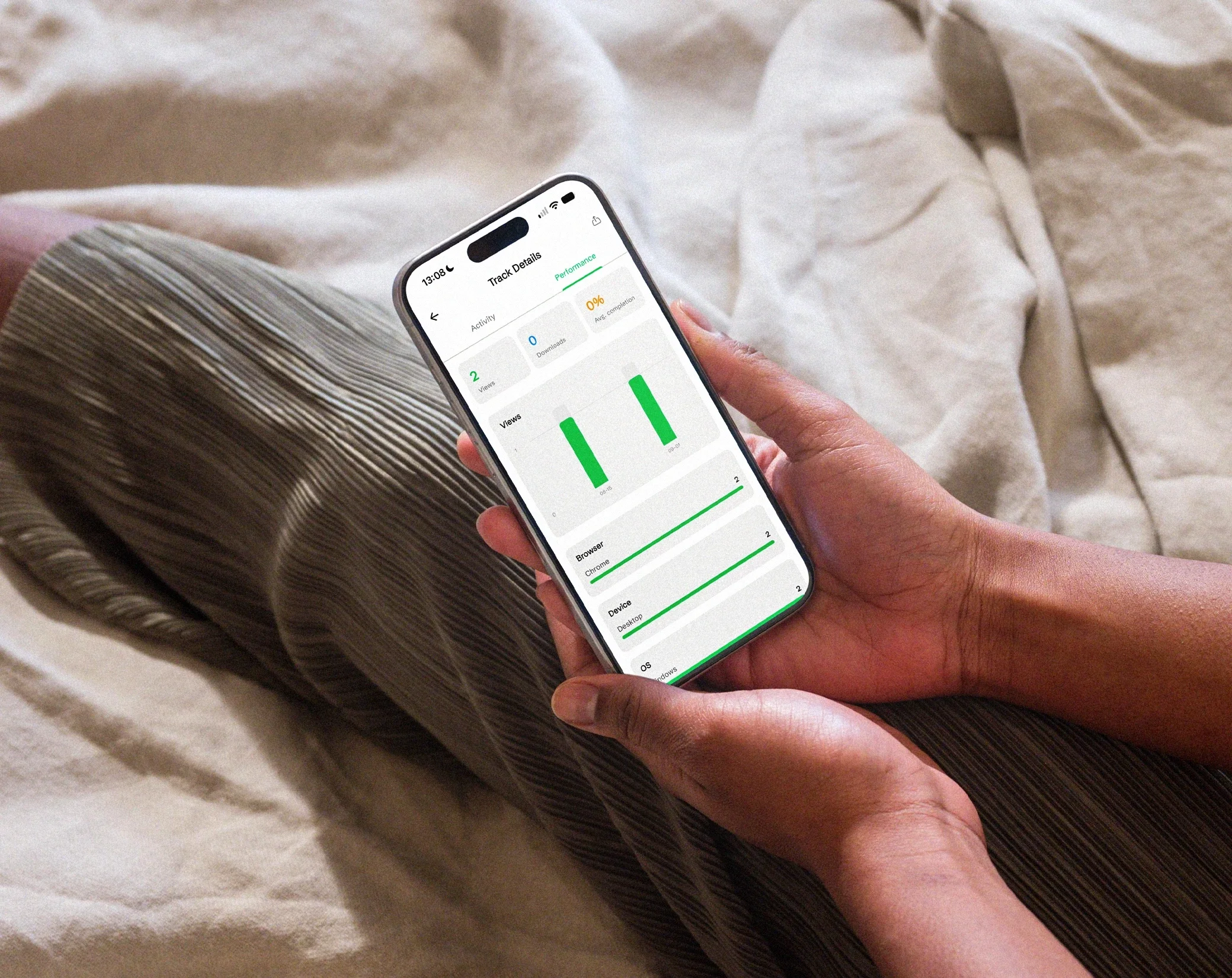
Track PDF page views, video plays and downloads, in real time and without cookies.

Identify your visitors
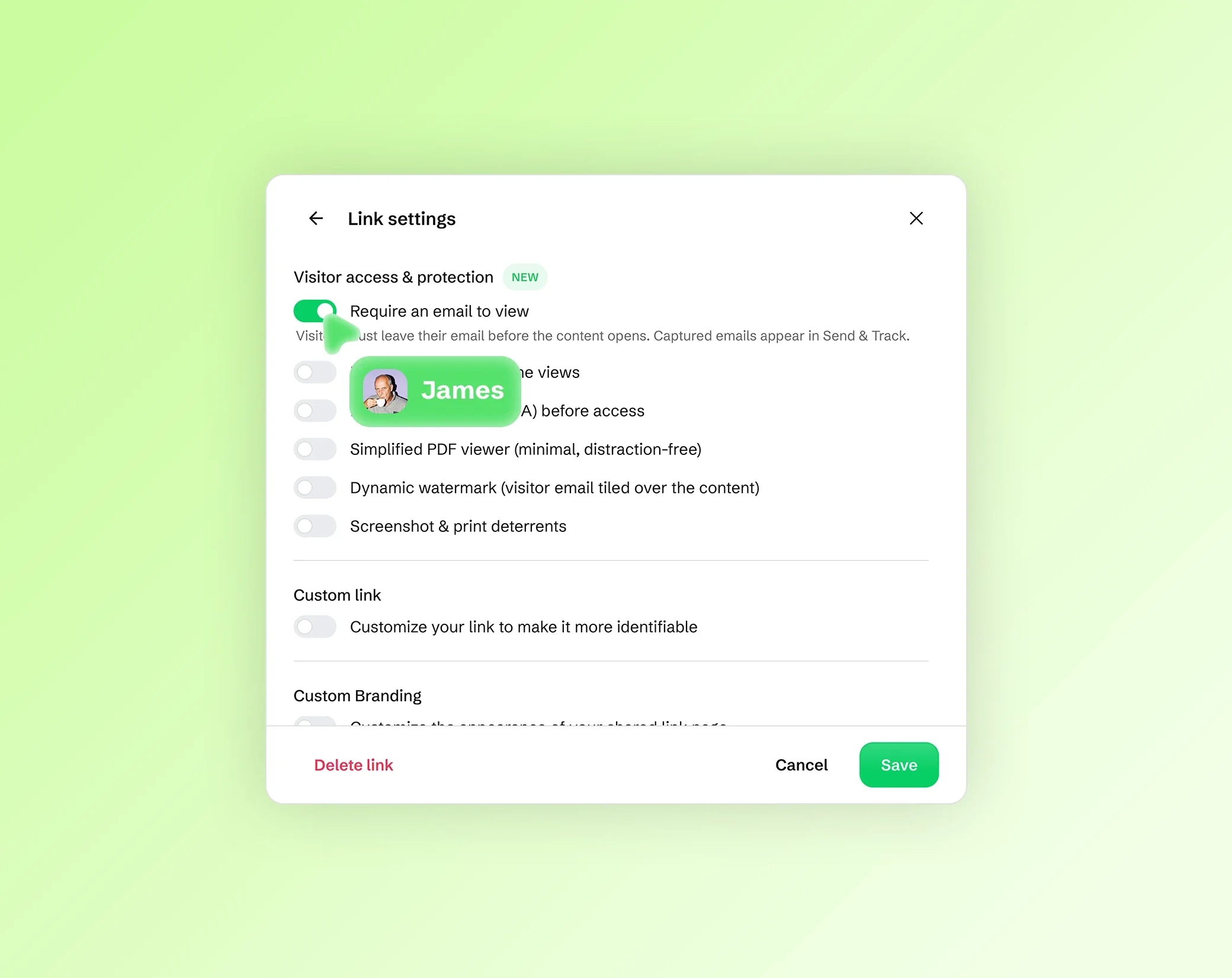
See who viewed your documents and capture leads’ emails before they open.

Deter leaks
Dynamic watermarks and capture deterrence protect sensitive documents from screenshots.
Combine PDF files into one
Bring several PDFs together in a single file: the parts of a report, the scans for an application, the invoices of a month for your accountant, or the chapters of a document. Add your PDFs, put them in order, and download one PDF that holds every page.
The pages are copied as they are: their text stays sharp and selectable, and their images are not recompressed. The merged PDF is a new file, created in your browser.
To add notes, highlights or a signature to the result, open it in the PDF editor.
How to merge PDFs in 3 steps
Add your files. Drop your PDFs on the page, with images if you need them, or choose them from your device. Together, they can weigh up to 200 MB on a computer with Chrome or Edge, and 100 MB in other browsers and on most phones.
Put them in order. Drag the files and their pages to change the order, and remove the pages you don't need. The summary shows how many files and pages the merged PDF will have.
Merge and download. The new PDF is created in your browser, ready to send, print or store.
Put files and pages in the right order
Each file is shown with thumbnails of its pages. Drag a whole file to move it before or after another one, or drag a single page to place it exactly where it belongs: an appendix at the end, a cover page first, a signed page in the middle of a contract.
Remove what you don't need, such as a blank page, a duplicate or an old version of a page. Every page keeps its own size and orientation, so a landscape page stays landscape in the merged PDF.
Add JPG, PNG, HEIC, WebP and AVIF images to your PDF
Add JPG, PNG, HEIC (or HEIF), WebP or AVIF images with your PDFs: each image becomes a page of the merged PDF, which is handy for a photo of a receipt, a scanned ID or a signed page you took with your phone. Images and PDF pages can be mixed in any order.
JPG and PNG images are added as they are. HEIC, WebP and AVIF photos are converted to JPEG for you, and a photo from an iPhone comes out the right way up. Animated images can't be added. For other formats, such as GIF, TIFF or BMP, convert them to JPG or PNG first with the file converter.
Private by design: your files never leave your device
Your files are merged inside your browser, on your device. They are never uploaded to Drime or to anyone else, which matters for contracts, payslips, tax forms and ID scans. Nothing is stored on a server, so there is nothing to delete afterwards. Like the rest of the site, the page counts visits, but never your files.
Password-protected PDFs can't be added. Remove the protection first, then add the file again.
Frequently asked questions
How do I merge PDF files into one?
Drop your PDFs on this page, drag them into the order you want, remove the pages you don't need, then merge. The merged PDF is created in your browser and you can download it right away. Nothing is installed and nothing is uploaded.
Is merging PDFs free?
Yes. Merging is free and needs no account. If you want a safe place for your documents, Drime offers cloud storage with a free plan of 20 GB, and an end-to-end encrypted Vault for your most sensitive files.
Can I combine PDFs with JPG, PNG or HEIC images?
Yes. Add JPG, PNG, HEIC, WebP or AVIF images with your PDFs: each image becomes a page of the merged PDF, in the place you choose. HEIC, WebP and AVIF photos are converted to JPEG for you and come out the right way up.
Can I change the order of files and pages?
Yes. Drag a file to move all its pages at once, or drag a single page to put it anywhere in the merged PDF. You can also remove pages before merging, such as a blank page or a duplicate.
How many files can I merge at once?
There is no limit on the number of files: what counts is their total size, up to 200 MB on a computer with Chrome or Edge, and 100 MB in other browsers and on most phones. If your files are over the limit, the page tells you at once.
Does merging reduce the quality of my PDFs?
No. The pages are copied as they are: the text stays sharp and selectable, and the images are not recompressed. To make the merged PDF lighter afterwards, use the PDF compressor.
Are my files uploaded to merge them?
No. Your files are merged in your browser, on your device, and they are never sent to Drime or to anyone else. Nothing is stored on a server, which matters for contracts, payslips and ID scans.
Can I merge PDFs on a Mac or a phone?
Yes. The tool works in your web browser, so there is nothing to install: open this page in Safari, Chrome, Firefox or Edge, on a Mac, a Windows PC, an iPhone or an Android phone, and the merged PDF is saved on that device.
Other tools
Split PDF
Split a PDF by page ranges or into single pages, or extract only the pages you need.
Split a PDFCompress PDF
Make a PDF lighter: the images inside are compressed, while the text stays sharp.
Compress a PDFFile converter
Convert your images and photos to another format, or turn them into a PDF, right in your browser, one file at a time or several at once.
Convert files