Split a PDF for free
Split a PDF for free in your browser: by page ranges, into one file per page, or by extracting the pages you choose. Download one PDF or a ZIP. Your PDF never leaves your device.
Your PDF is split in your browser and never leaves your device: nothing is uploaded to Drime or anywhere else.
Keep your PDFs safe with Drime
Store your documents in the cloud and find them on all your devices, share them with a link you control, and keep your most sensitive files in an end-to-end encrypted Vault.
Get started for free
eIDAS compliant
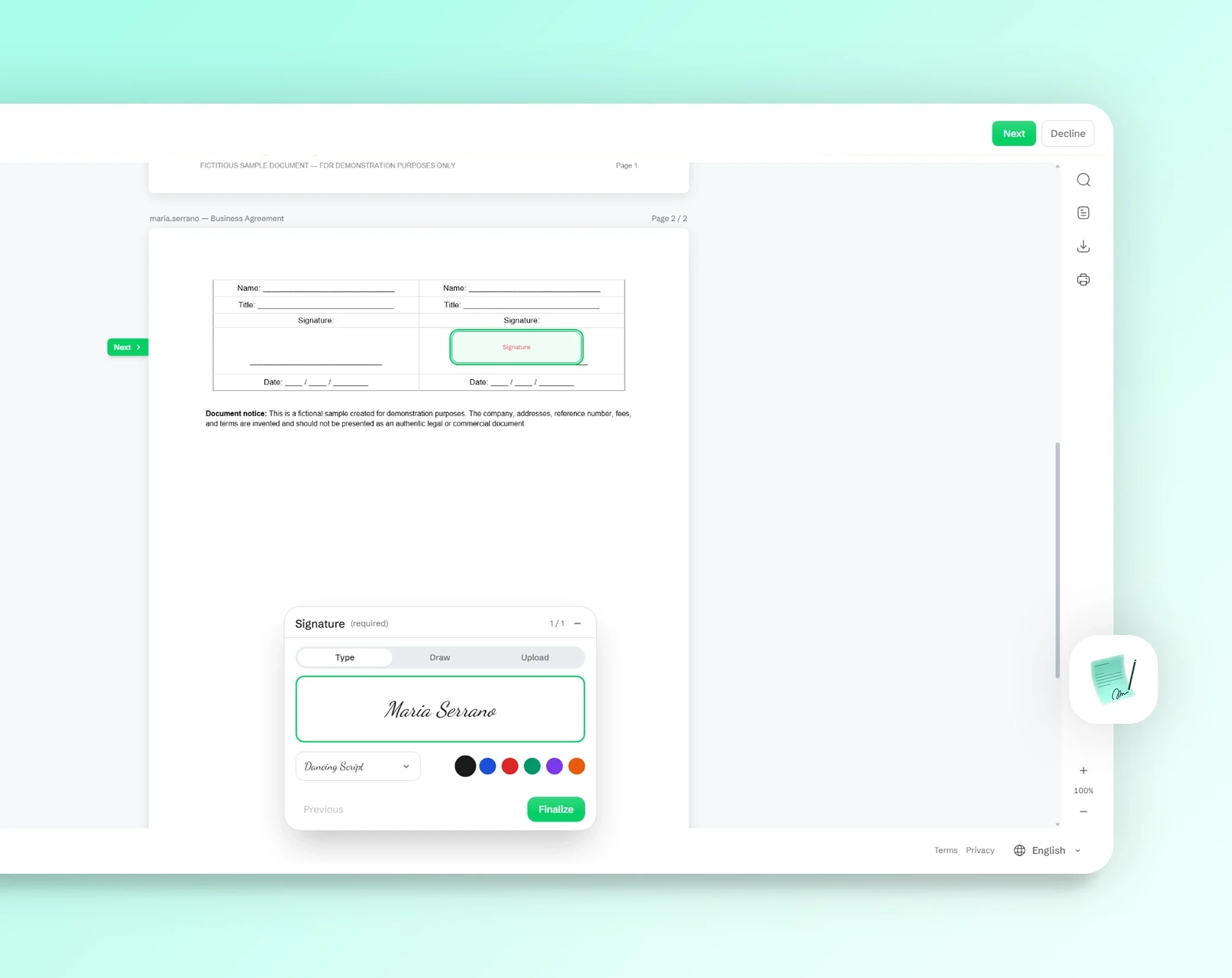
Simple electronic signatures that meet the European eIDAS framework, valid across the EU.

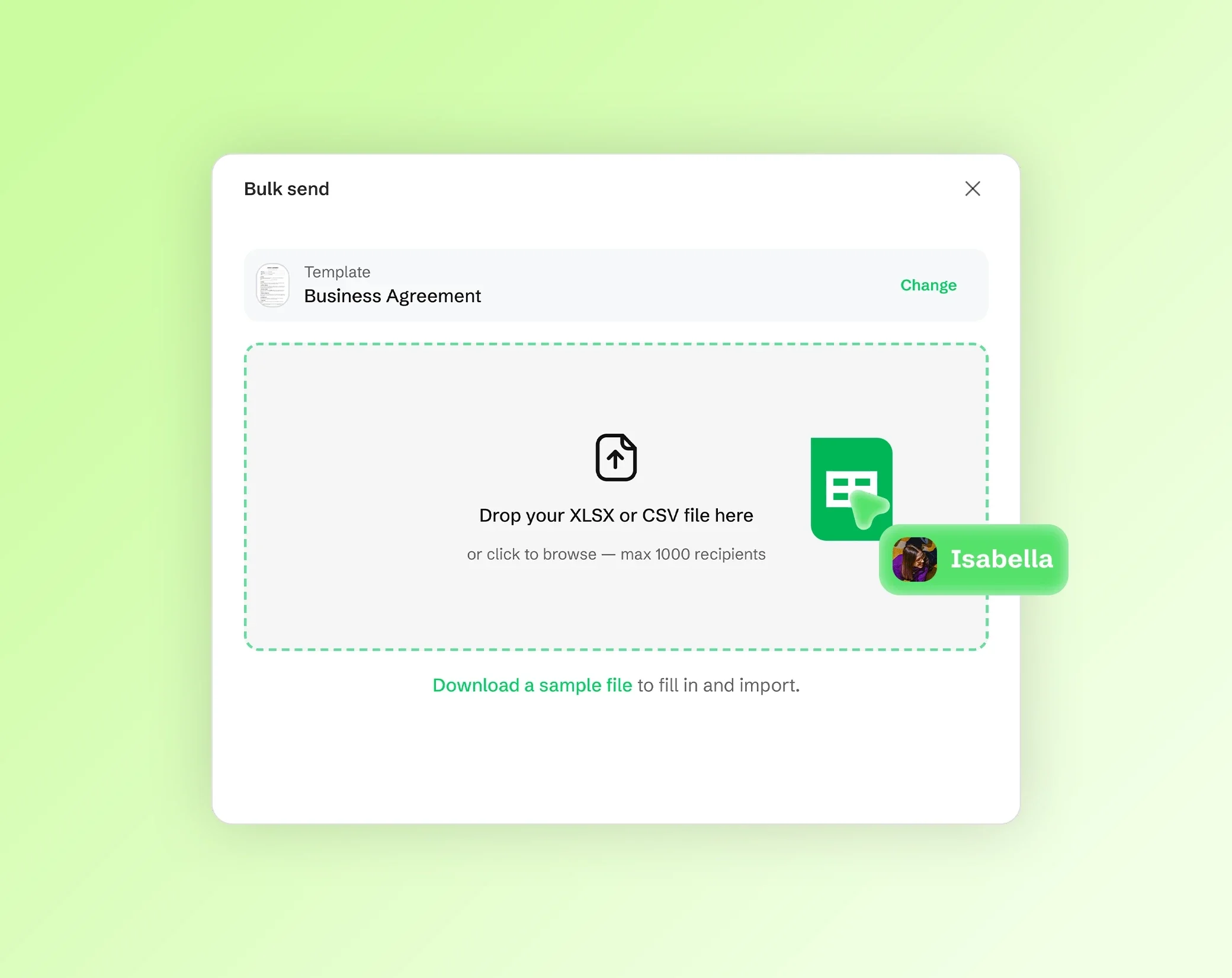
Bulk send to 1,000 people
Send one document to up to 1,000 recipients at once. Perfect for HR, legal and sales teams.

Sign from anywhere
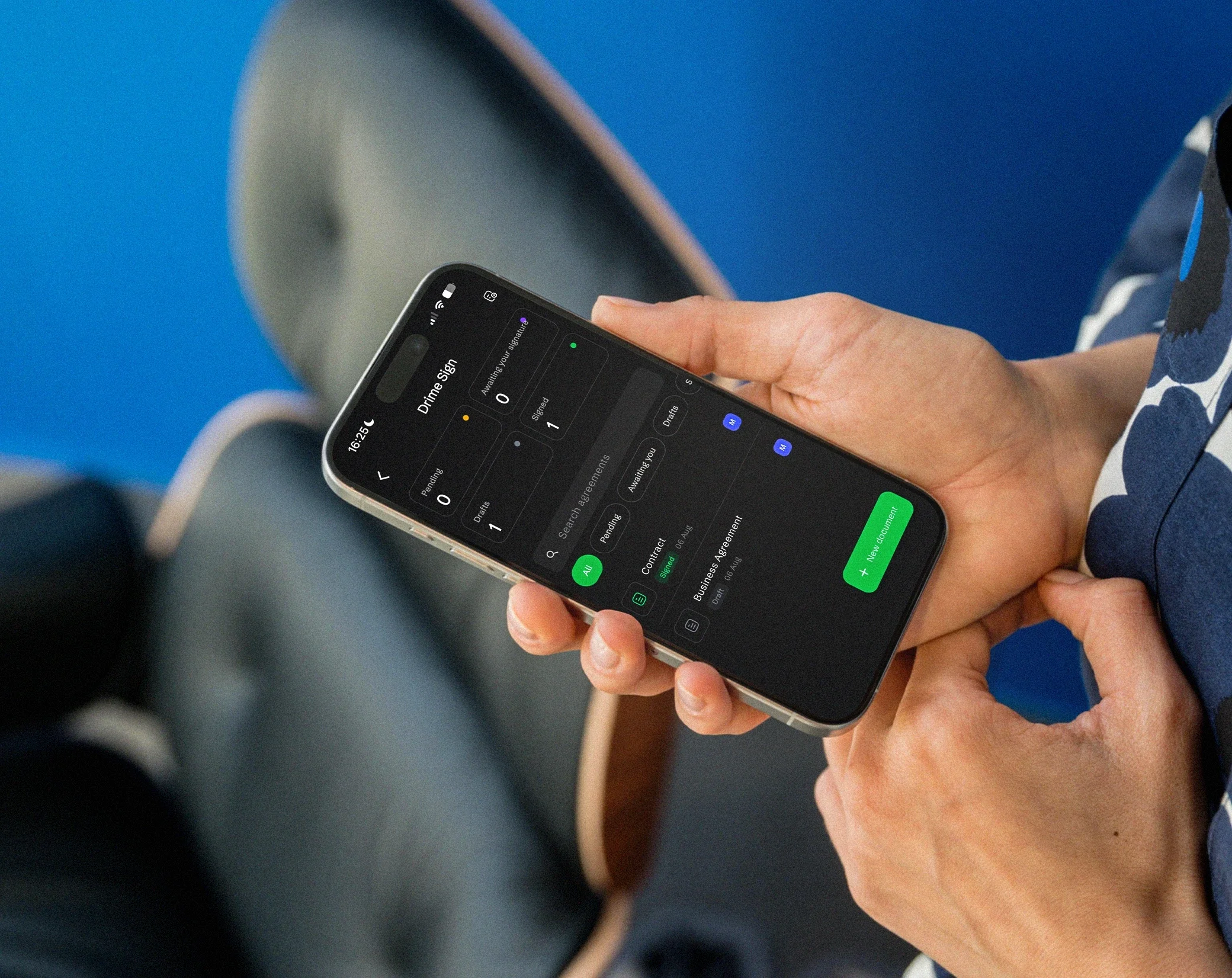
Fully responsive signing: your recipients sign from phone, tablet or computer in seconds.
Split a PDF into several files
A long PDF is not always what you need to send. Split a scan that holds several invoices, keep only the chapter a colleague asked for, separate the pages of a form, or pull out the signed page of a contract.
There are three ways to do it: by page ranges, one file per page, or by extracting the pages you pick. The pages are copied as they are, so their text stays sharp and selectable and their images are not recompressed.
You get one PDF, or several PDFs together in a ZIP.
How to split a PDF in 3 steps
Open your PDF. Drop it on the page or choose it from your device. Its pages appear as thumbnails. A PDF can weigh up to 200 MB on a computer with Chrome or Edge, and 100 MB in other browsers and on most phones, with any number of pages.
Choose how to split it. Type page ranges, choose one file per page, or click the pages you want to extract. Then choose one PDF or separate files in a ZIP.
Split and download. The new files are created in your browser, ready to send or store.
Split by page ranges
Type the pages you want with commas and hyphens: 1-3, 5, 8-10 takes pages 1 to 3, page 5 and pages 8 to 10. Leave the end of a range open, such as 8-, to go from page 8 to the last page.
If a range doesn't exist in the document, for example page 12 of a 10-page PDF, the tool tells you before splitting. To cut a PDF in two, type the first half and the second half as two ranges, such as 1-5, 6-10.
One file per page
Turn every page of the PDF into its own file in one click: each page becomes a separate PDF, and you download all of them together in a ZIP.
It is the quickest way to separate a stack of scanned receipts, the slides of a presentation saved as a PDF, or the individual certificates of a batch, so you can file, rename or send each one on its own.
Extract selected pages
Click the pages you want in the thumbnails: the tool shows how many pages are selected, and you can select or clear them all at once. Download them as one PDF with only those pages, in their order, or as separate files in a ZIP.
The original PDF stays as it is on your device. To reorder pages, add a blank page or annotate the result, open it in the PDF editor.
Private by design: your PDF never leaves your device
Your PDF is split inside your browser, on your device. It is never uploaded to Drime or to anyone else, which matters for bank statements, medical records and contracts. Nothing is stored on a server, so there is nothing to delete afterwards. Like the rest of the site, the page counts visits, but never your files.
Password-protected PDFs can't be opened here. Remove the protection first, then open the PDF again.
Frequently asked questions
How do I split a PDF into multiple files?
Open your PDF on this page, type the page ranges you want, such as 1-3, 4-6, then choose separate files in a ZIP and split. Each range becomes its own PDF. Everything happens in your browser, and nothing is uploaded.
How do I extract pages from a PDF?
Open your PDF, choose to extract pages, then click the pages you want in the thumbnails. Download them as one PDF with only those pages, or as separate files in a ZIP. The original file is not changed.
Can I split a PDF into individual pages?
Yes. Choose one file per page: every page becomes a separate PDF, and you download all of them together in a ZIP. It works the same for a 3-page letter and for a long scan.
Can I split a PDF in half?
Yes. Type the two halves as page ranges: for a 10-page PDF, type 1-5, 6-10, choose separate files in a ZIP and split. You get two PDFs, the first five pages and the last five.
Is splitting a PDF free?
Yes. Splitting is free and needs no account. If you want a safe place for your documents, Drime offers cloud storage with a free plan of 20 GB, and an end-to-end encrypted Vault for your most sensitive files.
Does splitting reduce the quality of the PDF?
No. The pages are copied as they are into the new files: the text stays sharp and selectable, and the images are not recompressed. To make a file lighter, use the PDF compressor.
Are my files uploaded to split them?
No. Your PDF is split in your browser, on your device, and it is never sent to Drime or to anyone else. Nothing is stored on a server, which matters for bank statements, medical records and contracts.
How do I split a PDF on a Mac?
Open this page in Safari, Chrome, Firefox or Edge on your Mac, drop your PDF, choose how to split it and download the result. There is nothing to install, and the new files are saved on your Mac.
Other PDF tools
PDF editor
Add text, drawings, highlights, shapes, images and your signature to a PDF, right in your browser.
Edit a PDFMerge PDF
Combine several PDFs and images into one PDF, in the order you choose, right in your browser.
Merge PDFsCompress PDF
Make a PDF lighter: the images inside are compressed, while the text stays sharp.
Compress a PDF